

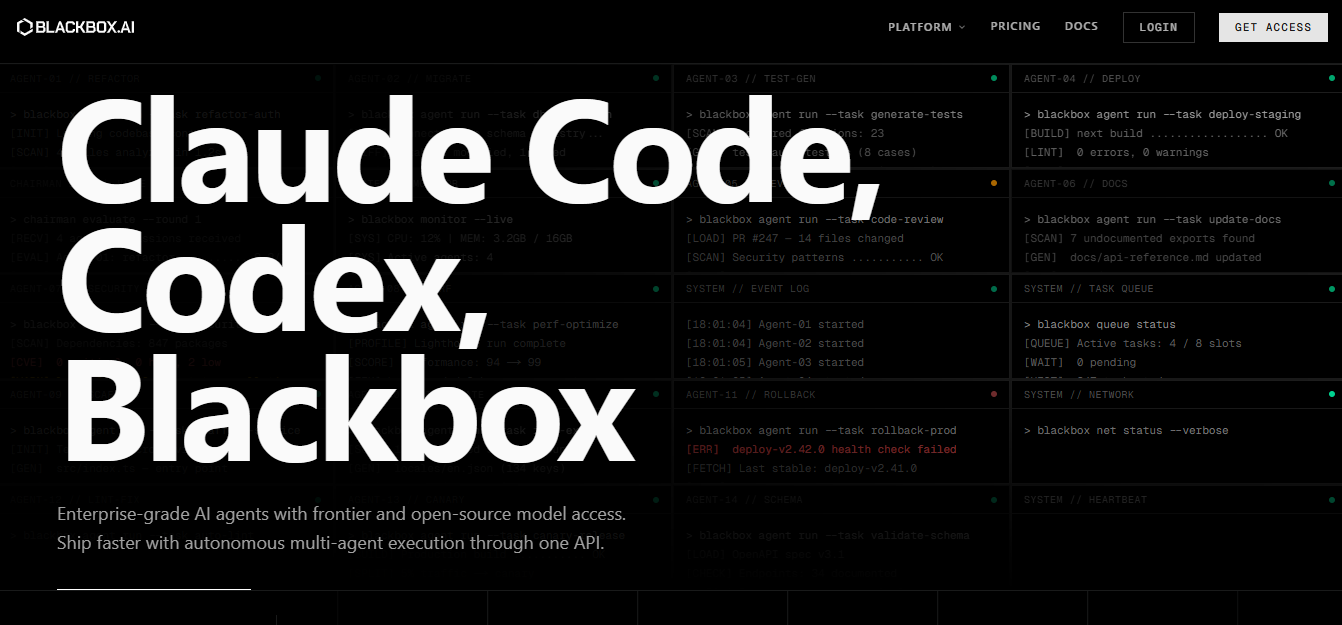
Blackbox AI is an AI-powered coding assistant and agent platform that helps developers write, debug, search, and ship code faster, without switching between tools or managing multiple AI subscriptions.
Most developers waste hours doing the same things – searching Stack Overflow for a snippet that almost works, re-reading docs for a function they’ve used before, or manually typing out boilerplate they’ve written a dozen times. Blackbox AI is built to eliminate exactly that.
Whether you’re a freelancer prototyping an MVP, a student learning to code, or a solo developer maintaining a live project, Blackbox AI gives you code generation, debugging, code search, and autonomous task execution – all from inside your IDE, browser, terminal, or phone.
Real use case: A developer building a Node.js REST API types a prompt, gets a working authentication scaffold in seconds, asks the agent to write tests for it, and ships without ever leaving VS Code.
With an estimated 30 million users and approximately $31.7 million in revenue generated in 2025 entirely without external funding, Blackbox AI has established itself as one of the most widely adopted AI coding platforms in the market.
Key Features
- Multi-Agent “Chairman” Architecture Dispatches your coding task simultaneously to multiple AI models – Claude, GPT, Gemini and more, then a supervising “Chairman” LLM evaluates every output and picks the strongest result automatically.
- 300+ AI Models Under One Subscription Access GPT-4o, Claude, Gemini, LLaMA, DeepSeek, and hundreds more from a single platform. No need to manage separate accounts or billing for each.
- CyberCoder Autonomous Agent Handles complete multi-step tasks independently — implementing features, refactoring codebases, fixing bugs, generating tests, and writing documentation across your full repository.
- Image-to-Code / Screenshot-to-Code Upload a Figma design, wireframe, or screenshot and Blackbox AI converts it into working, usable code. A capability that sets it apart from most other coding assistants.
- Full-Project Context Awareness Reads your entire project, not just the current file, making suggestions more accurate and contextually relevant than standard autocomplete tools.
- Voice Coding via CLI Supports a
/voicecommand powered by ElevenLabs integration, letting you dictate project specs or describe bugs hands-free directly from the terminal. - Cross-Platform IDE Support Works across VS Code, JetBrains, a proprietary Blackbox IDE, CLI, browser extension, mobile apps for iOS and Android, and a web interface – the broadest platform coverage of any AI coding assistant as of early 2026.
- Code Snippet Search Engine Searches open-source repositories and a community-driven database so you can find, copy, and adapt real solutions without manually digging through Stack Overflow or GitHub.
Pricing & Plans
Blackbox AI currently runs a promotional offer, full AI power for $2 for the first month.
Here’s how the plans break down:
| Plan | Monthly | Yearly (20% Off) | Key Features |
| Pro | $10/month (first month $2 — 80% off) | $8/month (billed $90/year) | $20 model credits, all chat models, voice agent |
| Pro Plus | $20/month | $16/month (billed $192/year) | $40 model credits, multi-agent execution, app builder, coding agent (35+ IDEs), remote data analysis agent |
| Pro Max | $40/month | $32/month (billed $384/year) | $80 model credits, team collaboration, priority access during peak times |
| Enterprise | Custom | Custom | SAML SSO, dedicated support, on-premise deployment, custom SLAs |
- All paid plans include unlimited FREE agent requests with Minimax-M2.5
- Credits (e.g., $20/$40/$80) are for accessing premium models from xAI, Anthropic, OpenAI, and 400+ others
- App Builder, Multi-Agent Execution, and Coding Agent are Pro Plus and above only — not available on Pro
- Yearly billing saves 20% — best value if you’re committing long-term
How It’s Used
Typical workflow for a developer building a web app:
- Install the VS Code extension → Connect your Blackbox account (no API keys, no terminal setup required)
- Open your project → Blackbox reads the full repository context automatically
- Prompt the task → Type: “Build a rate limiter middleware in Node.js with Redis”
- Chairman routes it → Multiple AI models generate solutions in parallel on separate branches; the best output is selected automatically
- Review & refine → Accept, edit, or ask Blackbox to rewrite specific parts inline
- Use CyberCoder for bigger tasks → Assign: “Write unit tests for all auth functions” → agent executes across files independently
- Screenshot-to-code shortcut → Upload a Figma wireframe → Blackbox generates the React component + Tailwind CSS classes directly
One developer reported that the image-to-code feature delivered over 80% of a React component’s boilerplate and Tailwind CSS classes from a hand-drawn wireframe, needing only minor manual adjustments.
Pros & Cons
Pros
- Access to 300+ AI models under one subscription. No other coding assistant offers this breadth, and you can pick the best model for each specific task.
- Priced at $10/month for Pro (first month just $2), cheaper than Cursor ($20/month) and includes access to 400+ AI models that competitors like Copilot don’t offer under a single plan.
- Screenshot-to-code conversion works well for frontend development and debugging from shared screenshots.
- Broadest platform coverage of any AI coding assistant — VS Code, JetBrains, proprietary IDE, CLI, browser, mobile, and desktop app all supported simultaneously.
- The free plan provides enough capability to genuinely evaluate the platform before paying.
Cons
- CyberCoder’s autonomous agent produces code requiring 30–40% manual review on complex multi-file changes — significantly more rework than Cursor’s agent mode, which typically needs under 10% correction.
- All processing happens in the cloud — no offline mode or local fallback exists, so an internet outage or server issue stops your workflow entirely.
- The Chrome extension has a low rating, with many users reporting inconsistent behavior.
- Support and billing complaints appear frequently in public reviews, with cancellation being a commonly cited issue.
- Pricing transparency is poor, usage caps and credit limits are not clearly communicated upfront.
Who It’s For
Blackbox AI is best suited for developers who frequently search for code snippets or need quick assistance during development. It works well for students, freelancers, and indie developers who want to speed up coding without investing heavily in complex tools.
It is also useful for those learning programming, as it provides quick examples and explanations. However, teams working on large-scale production systems may find it less reliable due to limited control and transparency.
When NOT to Use Blackbox AI
Do not rely on Blackbox AI for production-critical code without review.
It is not ideal for teams requiring strict code quality, security validation, or compliance workflows.
If you need deep IDE integration and advanced context-aware coding, other tools may perform better.
Alternatives (Comparison)
| Tool | Best For | Price | Key Advantage Over Blackbox |
| GitHub Copilot | Full-time IDE development | $10/month | Deeper codebase context, more reliable output quality |
| Cursor | Agentic coding with low rework | $20/month | Agent mode needs <10% manual correction vs. Blackbox’s 30–40% |
| Codeium | Free AI coding assistant | Free | Completely free, fast autocomplete, low latency |
| Tabnine | Privacy-focused teams | $12/month | Local/air-gapped model option — code never leaves your machine |
| Claude Code | Complex, multi-file reasoning | Usage-based | More accurate on intricate logic and architecture decisions |
| Replit Ghostwriter | Browser-based / beginner coders | $20/month | Built-in cloud IDE, real-time collaboration |
Quick pick guide:
Want the cheapest option with the most AI models? → Blackbox AI
Want the most accurate agent for complex projects? → Cursor or Claude Code
Want completely free? → Codeium
Need code to stay on your machine? → Tabnine
FAQs
Is Blackbox AI free?
Yes. The free plan includes basic code generation, code search, and limited daily usage. It’s generous enough to test properly, but serious development tasks require Pro.
Is Blackbox AI worth it?
At $10/month for Pro (first month just $2), the risk is low enough to try but treat it as a solid supplementary tool rather than a primary coding assistant for mission-critical work.
How accurate is Blackbox AI?
Blackbox AI scores approximately 64.8% accuracy in benchmarks, very close to GitHub Copilot’s 64.3%. For routine and boilerplate tasks, it performs well. For complex logic, output needs manual review.
What is the best alternative to Blackbox AI?
Depends on your need. For best overall accuracy: Cursor. For free usage: Codeium. For privacy: Tabnine. For the widest model access at low cost: Blackbox AI itself is still the strongest option.
Does Blackbox AI work with VS Code?
Yes. The VS Code extension has 4.8 million+ installs and is the most popular way to use the platform.
Is the code generated by Blackbox AI safe to use in production?
Not without review. AI accelerates work, but critical logic and quality assurance remain human responsibilities. Always test generated code before shipping.