

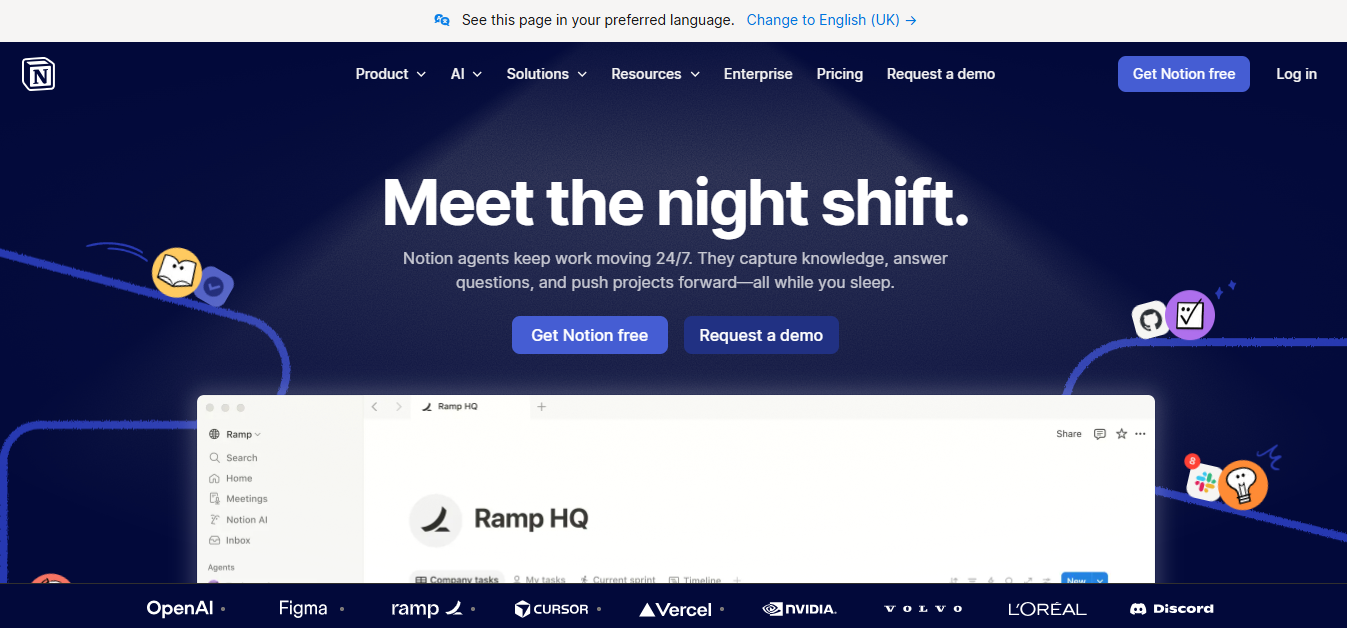
Notion AI is an AI assistant built directly inside the Notion workspace, helping teams write, summarize, search, and automate tasks without leaving the tool they already use for documentation and project management.
Most teams hit a familiar problem: notes from meetings sit unread, internal documents pile up, and context gets lost across tools. Notion AI is built to solve that specific problem, not as a standalone AI tool, but as a layer on top of an existing workspace that turns scattered content into usable output.
In May 2025, Notion restructured its AI offering entirely, eliminating the standalone AI add-on and moving full AI access, including AI Agents and Ask Notion, exclusively into the Business plan at $20/user/month. This change is still in effect as of 2026 and is the most important thing to understand before evaluating it.
Key Features
- AI Writing Assistant Drafts, rewrites, and edits content inline; useful for turning rough notes into clean documents without switching to a separate writing tool.
- Document Summarization Condenses long meeting notes, pages, or project briefs into key points, saves time when catching up on content you didn’t write yourself.
- Ask Notion (Workspace Q&A) Queries your entire workspace across connected sources including Google Drive and Slack, returning direct answers instead of making you manually search through pages.
- AI Agents Launched September 2025, AI Agents handle repetitive tasks autonomously across your workspace. Notion 3.3 in February 2026 added Custom Agents, letting teams build specialized AI workflows for their own processes.
- Action Item Extraction Pulls tasks and decisions out of unstructured notes automatically.
- Autofill Databases Populates Notion database fields using AI. Useful for categorizing content, tagging entries, or generating summaries at scale without manual input.
- Translation and Tone Adjustment Rewrites content in a different tone or translates it into another language inline, covers basic localization needs without an external tool.
- Inline AI Prompts AI is accessible directly inside any Notion page. No separate interface, no copy-pasting content into an external tool and back.
Pricing
Notion offers four plans in 2026:
| Plan | Annual Price | Monthly Price | AI Access |
| Free | $0 | $0 | One-time 20-response trial, no monthly reset. Once used, AI is gone. |
| Plus | $10/user/month | $12/user/month | Same 20-response trial only. No ongoing AI. |
| Business | $20/user/month | $24/user/month | Full AI. AI Agents, Ask Notion, autofill, writing tools |
| Enterprise | Custom | Custom | Everything in Business + SCIM, audit logs, zero data retention with LLM providers |
Critical pricing facts:
- The biggest 2026 change: Notion eliminated the standalone AI add-on in May 2025. Full AI access now requires the Business plan at minimum.
- Free and Plus users get a one-time 20-response AI trial with no monthly reset. Once exhausted, that’s it.
- Students and educators get the Plus plan free with a qualifying school email.
- Notion has documented billing complaints. Adding members mid-cycle can trigger full annual charges with no prompt or warning. Start on monthly billing until team size is stable.
How It’s Used
Typical workflow for a content or product team:
- Existing Notion workspace required: Notion AI only works inside Notion. If your team doesn’t already use Notion, there’s no standalone version to try.
- Rough notes go in: After a meeting or brainstorm, paste unstructured notes into a Notion page.
- Summarize and extract: Use AI to pull key points and action items from the notes in one click.
- Rewrite for clarity: Ask AI to convert the rough notes into a structured brief, doc, or update.
- Query across workspace: Use Ask Notion to find answers from previous documents “What did we decide about X in Q3?” instead of searching manually.
- Automate with Agents: Set up AI Agents to handle recurring tasks autonomously like tagging new database entries, drafting weekly updates, or summarizing new content as it’s added.
- Output stays in Notion: No exporting, no switching tools, the final document lives where the team already works.
Pros & Cons
Pros
- Ask Notion queries your entire workspace including connected Google Drive and Slack – genuinely useful for teams with large internal knowledge bases.
- Zero context switching: AI lives inside the same tool where work happens, removing the copy-paste loop between Notion and external AI tools.
- AI Agents and Custom Agents (added February 2026) enable repeatable automation workflows that go beyond one-off writing tasks.
- Business plan at $20/user/month is cheaper than paying for Plus plus a separate AI subscription.
- Students and educators get the Plus plan free. One of the most generous education offers in the productivity software category.
Cons
- Full AI requires the Business plan at $20/user/month (there is no middle-ground option). Teams that only need occasional AI assistance pay the same as teams using it daily.
- Free and Plus users get only 20 total AI responses – not per month, but ever. It’s barely enough to evaluate whether the feature is worth paying for.
- Completely dependent on Notion adoption. If your team isn’t already using Notion as its primary workspace, there’s no value in paying for Notion AI.
- Notion AI does not manage email, calendar, or automate task creation from external sources.
- Billing practices have drawn repeated complaints. Mid-cycle seat additions can trigger full annual charges without clear warnings.
When NOT to Use Notion AI
- You’re not already using Notion: Notion AI has no standalone mode. If Notion isn’t your primary workspace, you’d be adopting an entire platform just to access an AI layer. A dedicated tool like Claude AI or ChatGPT delivers more AI capability at a lower entry cost.
- You need AI for occasional tasks on a budget: Free and Plus tiers get only 20 total AI responses. If you hit that limit and don’t upgrade, AI access stops entirely.
- Your primary need is advanced content generation: Notion AI handles in-workspace writing tasks well, but it’s not competitive with specialized writing tools for long-form, high-quality content production.
- You need email or calendar automation: Notion AI doesn’t manage email triage or calendar workflows, two of the most common productivity bottlenecks for teams.
- Your team has strict data privacy requirements on a budge: Zero data retention with LLM providers is only available on Enterprise, which requires a custom quote. Business plan users don’t get this guarantee.
Alternatives
| Tool | Best For | Price | Key Advantage Over Notion AI |
| Claude AI | Long-form reasoning and writing | $20/month | Stronger output quality for complex writing and analysis; works outside any specific workspace |
| ChatGPT | General-purpose AI assistance | $20/month | More capable for research, coding, and content generation; not tied to one platform |
| Coda AI | Document automation with deeper logic | $30/user/month | More powerful formula and automation system for teams building complex workflows |
| ClickUp AI | Task-focused project management | $7/user/month | Better for action-item tracking and PM workflows; lower cost for AI features |
| Google Gemini | Teams using Google Workspace | Included in Workspace plans | Native integration with Gmail, Docs, Drive. No additional subscription for existing Workspace users |
| Obsidian | Personal knowledge management | $4/month | Local-first, privacy-focused, significantly cheaper for solo users who don’t need team features |
Quick pick guide:
Already using Notion daily as a team? Notion AI Business plan
Need AI writing without platform lock-in? Claude AI or ChatGPT
Need project management + AI at lower cost? ClickUp AI
Already on Google Workspace? Google Gemini – no extra cost
FAQs
Is Notion AI free?
Free and Plus plan users receive a one-time trial of 20 AI responses, not per month, but total. Once used, AI access ends unless you upgrade to Business.
Is Notion AI worth it?
Only if Notion is already central to your workflow. For teams already on Plus and paying for a separate AI subscription, upgrading to Business is actually cheaper than maintaining two separate tools. For teams not using Notion, the cost is hard to justify compared to standalone AI tools.
What is the best alternative to Notion AI?
Depends on your need. For better writing and reasoning quality: Claude AI. For general-purpose AI: ChatGPT. For Google Workspace users: Google Gemini is already included.
Can Notion AI replace ChatGPT?
No. Notion AI is designed for in-workspace tasks, summarizing, organizing, and querying content that already exists in Notion. ChatGPT handles a much broader range of tasks and isn’t limited to one platform.
Does Notion AI work outside Notion?
No. It only works within the Notion platform. There is no browser extension, API access for AI, or standalone interface.
What changed with Notion AI pricing in 2025?
In May 2025, Notion eliminated the standalone AI add-on that previously cost $8-10/user/month on any plan. Full AI access now requires the Business plan minimum.
Are there hidden costs in Notion?
Yes, adding members mid-cycle can trigger full annual charges without clear warnings. Multiple documented user complaints on Trustpilot describe being billed for seats they didn’t intentionally add. Start on monthly billing until your team size is confirmed.