

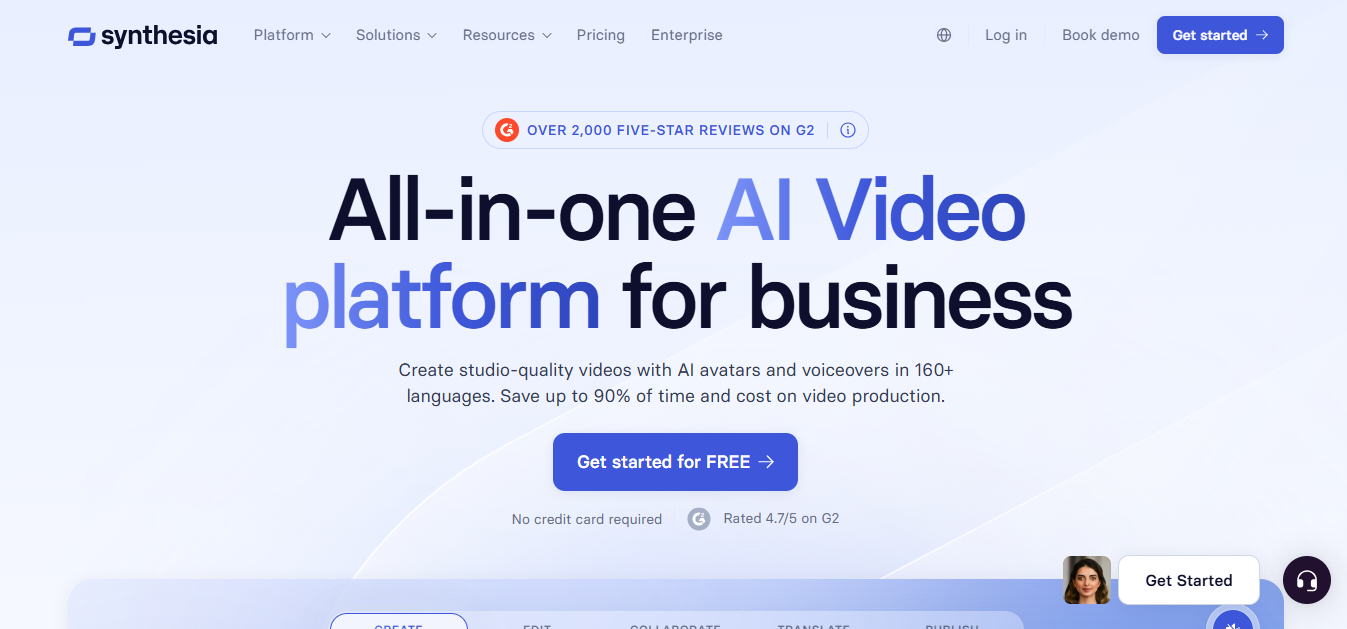
What is Synthesia?
Synthesia is an AI video creation platform that turns scripts, prompts, PDFs, PowerPoints, URLs, and similar inputs into presenter-led videos using AI avatars and voice narration. It is built more for business communication than for cinematic video production. In real workflows, it is commonly used for training, onboarding, SOPs, internal updates, product explainers, and localized versions of the same video. What makes it stand out is that it combines avatar video generation with translation, dubbing, screen recording, team collaboration, and publishing features in one platform, rather than acting as only a simple text-to-video tool.
Key Features
- Create videos from a script, prompt, PDF, PowerPoint, or URL.
- AI avatars and personal avatars for presenter-style videos.
- AI voices plus voice cloning options.
- AI dubbing and 1-click translation into 80+ languages on higher tiers.
- Built-in AI screen recorder for narrated process or demo videos.
- Interactive video elements such as quizzes, CTAs, and branching scenarios.
- Brand, workspace, analytics, and publishing tools for team-based video operations.
Pricing & Plans
| Plan | Price (Monthly) | Price (Yearly Equivalent) | Video Output Limit | Credits | Avatars | Key Features | Best Fit |
| Free (Basic) | $0 | – | Up to 10 min/month | 1,200 credits/month | ~9 avatars | Watermarked videos, limited features, basic avatars | Testing / evaluation |
| Starter | $29/month | ~$216/year ($18/month) | 10 min/month | 1,200 credits/month | 125+ avatars | No watermark, AI dubbing, video downloads, 125+ avatars, 1 editor + 3 guests | Individuals / small teams |
| Creator | $89/month | ~$768/year ($64/month) | 30 min/month | 3,600 credits/month | 180+ avatars | 5 personal avatars, API access, branded pages, interactive videos, multiple avatars per scene, 1 editor + 5 guests | Growing teams |
| Enterprise | Custom | Custom | Unlimited | Custom credits | 240+ avatars + unlimited personal avatars | 240+ avatars, unlimited personal avatars, 80+ language translation, SSO/SAML, SCORM export, live collaboration | Large organizations |
How It’s Typically Used
Synthesia is typically used by L&D teams, HR teams, sales enablement teams, operations teams, and marketing teams that need repeatable business videos without filming presenters each time.
A user usually starts with a script, a training document, a PowerPoint, or a screen-recording-based workflow. The output is a narrated video with an AI avatar, voiceover, captions, and sometimes translated versions for multiple regions. It fits best in workflows where speed, consistency, and localization matter more than emotional performance or advanced visual storytelling. It is especially practical for onboarding libraries, SOP explainers, compliance videos, software walkthroughs, and internal communications.
Pros & Cons
Pros
- Strong fit for training, onboarding, and internal communication use cases.
- Supports multiple business-ready inputs, including PDFs, URLs, and PowerPoints.
- Good localization stack with dubbing and translation options.
- Useful for teams that need consistent output across many videos.
- Includes workflow features beyond generation, such as analytics, publishing, and collaboration.
- Easier than traditional filming for frequent script revisions and version updates. This is also reflected in user discussion around process-demo and screen-recording workflows.
Cons
- Avatar-led videos can still feel artificial or emotionally flat for some audiences, especially in learning contexts or external-facing content. User discussion repeatedly points to the “talking head” effect as a weakness.
- Not the best choice for cinematic storytelling, strong character acting, or highly expressive presenter performance.
- Advanced collaboration, branding, translation, and enterprise workflow controls are pushed into higher plans or custom pricing.
- Starter and Creator usage limits may feel restrictive for teams producing large volumes every month.
- Enterprise add-ons and custom pricing reduce cost transparency for larger deployments.
- It solves production efficiency better than learning effectiveness. A faster training video workflow does not automatically mean better instructional outcomes.
Who It’s For
Synthesia is best for L&D managers, HR teams, sales enablement teams, customer education teams, and operations teams that need clear presenter-style videos without a full production setup. It works well for teams that update content often, localize videos into multiple languages, or want a standardized format across onboarding and training materials. It is suitable for non-technical users as well as business teams. It is less suitable for filmmakers, brand teams focused on emotional performance, or creators who need high-end visual storytelling rather than scalable business communication.
Is It Worth It?
Synthesia is worth it when your team creates repeatable business videos and values speed, consistency, and localization more than creative flexibility. It can save real production effort for onboarding, SOPs, training libraries, multilingual updates, and software walkthroughs. It becomes less compelling when your videos need strong emotional delivery, distinctive visual style, or deep instructional design quality beyond an avatar presenter. For many companies, the value comes from workflow efficiency and scale. For solo creators or teams wanting polished, human-feeling performance, the cost may be harder to justify.
Alternatives
- HeyGen: Often chosen when avatar realism and external-facing presenter quality matter more.
- Vyond: Better fit for animated explainer content rather than avatar-led presenter videos.
- DeepBrain AI: Another avatar video platform worth comparing for presenter-based business videos.
- WellSaid Labs: Better choice when high-quality AI voiceover matters more than avatar video.
- ElevenLabs: Strong option for voice generation and dubbing-focused workflows rather than full avatar video production.
Here is a clear, decision-focused comparison table showing where Synthesia is better than common alternatives.
Synthesia vs Alternatives (Practical Comparison)
| Factor | Synthesia | HeyGen | Vyond |
| Primary Use Case | Training, onboarding, internal business videos | Marketing, personalized outreach videos | Animated explainer videos |
| Workflow Fit | Strong for structured business workflows (L&D, SOPs, enterprise content) | Better for creative and sales-driven use cases | Best for storytelling and animation |
| Input Flexibility | Supports scripts, PDFs, PowerPoints, URLs | Mostly script-based video creation | Manual animation creation |
| Localization (Languages) | 120–160+ languages with translation workflows | Strong multilingual support but less structured workflows | Limited compared to AI tools |
| Enterprise Features | Advanced (teams, analytics, governance, LMS/export options) | Good but less enterprise-focused | Limited enterprise workflow tools |
| Scalability | High (bulk video creation + localization) | Moderate (good for campaigns, not large-scale | Low (manual effort required per video) |
| Ease of Updating Content | Very easy (edit script → regenerate video) | Easy | Hard (manual editing required) |
| Avatar System | Large avatar library + structured presenter format | More realistic avatars and motion | No AI avatars (animation only) |
| Video Style | Corporate, consistent, presenter-led | More engaging and dynamic | Cartoon/animated style |
| Production Speed | Very fast (minutes per video) | Very fast | Slow (manual creation) |
| Best Advantage | End-to-end business video system | Avatar realism + creative flexibility | Storytelling and animation depth |
| Main Limitation | Less expressive avatars | Less structured for enterprise workflows | Time-consuming and not scalable |
FAQs
Does Synthesia have a free plan?
Yes. The official pricing page lists a free Basic plan.
What is Synthesia mainly used for?
Mostly training, onboarding, internal communication, product explainers, and multilingual business videos.
Can Synthesia create videos from PowerPoint or PDFs?
Yes. Its official product pages say it can create videos from PowerPoint, PDF, URL, prompt, and script inputs.
Does Synthesia support translation?
Yes. Synthesia lists AI dubbing and 1-click translation into 80+ languages, though some translation features are tied to higher tiers.
Is Synthesia good for training content?
It can be efficient for producing training videos at scale, but efficiency does not automatically make the content more instructionally effective. That depends on how the training is designed.
Is Synthesia a good fit for marketing videos?
Sometimes, but mostly for explainers, product updates, and business communication. It is less ideal for highly expressive brand storytelling or ad-style creative work.