

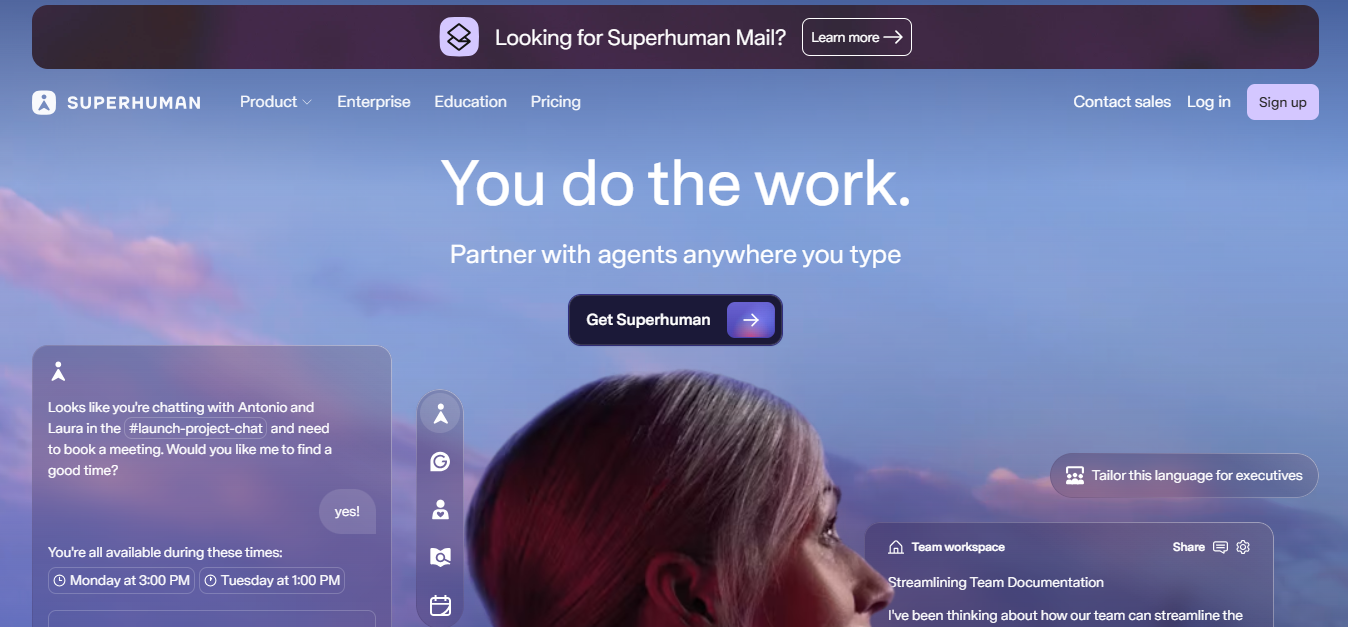
What is Superhuman?
Superhuman is an AI productivity suite that bundles four apps: Mail, Grammarly, Coda, and the Go AI assistant, into one subscription following Grammarly’s 2025 acquisition of Superhuman and Coda. It solves slow, scattered communication by replacing your Gmail or Outlook interface with a keyboard-first inbox that auto-triages, drafts replies in your voice and shares threads with teammates inside the same window.
Key Features
- Split Inbox: auto-sorts incoming email into VIP, team, and tool streams to surface what matters.
- Auto Drafts and Instant Reply: Superhuman AI writes full replies that match your voice and tone.
- Save 4 hours per week: verified time savings for Mail users, totaling 15M+ hours yearly across customers.
- 30–50% faster typing with Autocorrect: outperforms Gmail and Outlook autocorrect on internal benchmarks.
- CRM-in-inbox: view and update HubSpot, Salesforce, and Pipedrive records without leaving an email.
Pricing
| Plan | Price (Annual) | Price (Monthly) | What’s Included |
| Free | $0 | $0 | Grammarly basics, Coda docs, Go AI chat (beta). No Mail |
| Pro | $12 / member/month | $30 / member/month | Everything in Free + unlimited Grammarly rewrites, 19-language translation, AI templates, custom domains. No Mail |
| Business | $33 / member/month | $40 / member/month | Everything in Pro + Superhuman Mail, AI inbox triage, CRM integrations (HubSpot/Salesforce/Pipedrive), Jira/GitHub/Figma sync |
| Enterprise | Custom | Custom | Everything in Business + SAML SSO, SCIM, audit logs, BYOK encryption, dedicated support, advanced admin controls |
How It’s Typically Used
For a B2B sales rep handling 100+ daily emails:
Step 1: Open Superhuman Mail connected to your Gmail or Outlook 365 account.
Step 2: Review the Split Inbox, VIP prospects and team replies sit on top, newsletters get hidden.
Step 3: Hit a keyboard shortcut on a prospect email to trigger Auto Draft using bullet-point context.
Step 4: Superhuman drafts a full reply matched to your voice, with HubSpot lead data visible in the side panel.
Step 5: Send, set a 2-day follow-up reminder, and clear the inbox to zero before your first meeting.
Pros & Cons
Pros
- Genuinely the fastest email client tested by G2, Capterra, and Product Hunt reviewers.
- Auto Drafts and Auto Summarize remove blank-page friction on routine replies.
- Native HubSpot, Salesforce, and Pipedrive panels eliminate CRM context switching.
- Same suite price now also bundles Grammarly, Coda docs, and the Go AI assistant.
- Shared threads and team read statuses speed up handoffs between coworkers.
Cons
- Steep keyboard-shortcut learning curve flagged in 73+ G2 reviews as the top friction point.
- Works only with Gmail and Outlook. No IMAP, no iCloud, no Apple Mail support.
- Minimum business plan to unlock Mail is hard to justify for users sending fewer than 80 emails per day.
- Mail features now sit behind the Business tier, raising the entry price for new users since the Grammarly acquisition.
- Limited automation depth, speeds up your workflow but won’t autonomously triage your inbox the way newer agentic tools do.
Who It’s For
Best fit: Founders, sales pros, and execs who process 100+ emails daily and value speed savings worth $100+/hour.
Limited fit: Solo professionals on Apple Mail or non-Gmail/Outlook providers, Superhuman simply won’t connect.
Avoid if: You hate email and want AI to handle it for you. Superhuman makes you faster, not freer.
Is It Worth It?
Worth it scenario: A revenue leader closing six-figure deals across 150 daily emails. The Business plan’s buys back roughly 4 hours per week, easily a 10x return at any senior salary. CRM integration alone replaces a separate sales tool.
Not worth it scenario: A freelancer or student processing under 50 emails per day. The keyboard-shortcut investment takes 2-3 weeks to internalize, and the time savings rarely exceed 15 minutes daily, making $33/month feel disproportionate to the gain.
Alternatives (Comparison)
The closest alternatives to Superhuman are Shortwave, Spark Mail, and Notion Mail, each better suited to different budgets, email providers, or AI workflow priorities.
| Tool | Core Strength | Best Use Case | Starting Price | Key Limitation |
| Superhuman | Speed-first inbox with full Grammarly + Coda suite | High-volume professionals who live in email | $33/month (Business, for Mail) | No IMAP support; steep learning curve |
| Shortwave | Deep AI search and Ghostwriter voice matching | Gmail teams needing AI-native triage | $24/seat/month, Billed Annually (Business) | Gmail only. No Outlook support |
| Spark Mail | Universal IMAP support at the lowest price | Solo pros across iCloud, Yahoo, or any provider | $10/month (Plus) | Weaker CRM integration and shallower AI |
| Notion Mail | Native Notion workspace integration | Notion power users tying email to docs/databases | Free with Notion; AI requires Business at $20/seat/month | Gmail only; AI reply quality still maturing |
FAQs
Is Superhuman worth $33 per month in 2026?
It is worth for professionals processing 80+ emails daily where saving 4 hours weekly translates to meaningful revenue or time value. For lighter inbox users, the price is hard to justify against alternatives like Spark at $10/month.
Does Superhuman work with Apple Mail or iCloud?
No, Superhuman only supports Gmail (personal and Google Workspace) and Microsoft Outlook 365 accounts. Users on iCloud, Yahoo, or any IMAP-only provider will need a different client like Spark Mail.
How does Superhuman pricing compare to Shortwave for a 10-person team?
A 10-person team on Superhuman Business pays $33/month for Mail plus the full Grammarly and Coda suite, while Shortwave Business runs $90/month for AI email only. Superhuman costs roughly 3.6x more but includes writing tools and docs making it the stronger fit when teams would buy those tools separately anyway.
Is Superhuman the same product after the Grammarly acquisition?
Yes, the Superhuman Mail app, interface, shortcuts, and speed remain unchanged after Grammarly acquired the company in 2025. The main change is pricing structure. Mail is now bundled into the Business plan rather than sold as a standalone $30/month product.
Does Superhuman save the 4 hours per week it claims?
Superhuman states its Mail customers save over 15 million hours collectively each year, averaging roughly 4 hours per user per week. Independent reviewers on G2 and Product Hunt frequently confirm this figure for users handling 100+ daily emails.