
Everyone with a new business needs a logo. And at some point in the last two years, “hire a designer on Fiverr” became “try one of these AI tools first.” That shift moved fast, according to Cropink’s logo research data, 40% of small businesses now use AI tools to create logos. But the tools themselves have quietly split into two very different categories, and most comparison articles treat them as if they’re the same thing.
They’re not. For most people the short answer is this: Looka for a fast guided brand kit, Recraft for a unique production-ready SVG, or VistaPrint if you want it completely free. Choosing the wrong category costs you time, money, and sometimes a logo that three other businesses in your city are also using.
The best AI logo generators in 2026 range from genuinely free tools that hand you a production-ready SVG file with no watermark, to AI image models that generate something no template library could produce. This guide covers both, tells you which is which, and helps you pick without wasting an afternoon on the wrong one.
What Are AI Logo Generators : and How Do They Actually Work?
AI logo generators are tools that use machine learning to create logo designs based on your inputs, your business name, industry, style preferences, and color choices. The output ranges from template-assembled brand kits to fully generated original artwork, depending on which type of tool you’re using.
In 2026, there are two distinct categories. Brand-kit assemblers (like Looka, Brandmark, Canva, and LogoAI) guide you through a wizard and pull from curated icon and font libraries to produce polished results fast. AI image models (like Recraft and Ideogram) generate visual output from a text prompt, more creative, less guided, and now capable of handling logo-quality typography. The section near the end of this article breaks that split down in full.
How I Evaluated These AI Logo Tools
I went through each tool’s live interface, checked the free-tier output firsthand, verified every pricing page directly in June 2026 rather than trusting screenshots from six months ago, and read through real user reviews on Sitejabber and Trustpilot not just the testimonials each tool features on its own site.
Here’s what I weighted:
- File format output – Does it give you an SVG (scalable vector), or just a PNG? This decides more than most first-time buyers realize.
- Pricing transparency – Is the free tier actually free, or a watermarked preview that forces an upgrade?
- Customization depth – Can you adjust spacing, proportions, and color independently, or are you locked inside the algorithm’s guardrails?
- Commercial rights – Are you allowed to use the logo on products, packaging, and print without a separate licensing add-on?
- Uniqueness risk – Does the tool pull from a shared library that could hand an identical logo to another business?
One thing came up repeatedly as I tested: the Reddit consensus is right. An entrepreneur on r/Entrepreneur described Looka and tools like it as excellent for experimenting with logo concepts, but not always the right call for a final brand identity. That framing shaped how I sorted the tools below.
Best AI Logo Tools : Our Picks for 2026
1. Looka : Best all-round brand kit for non-designers
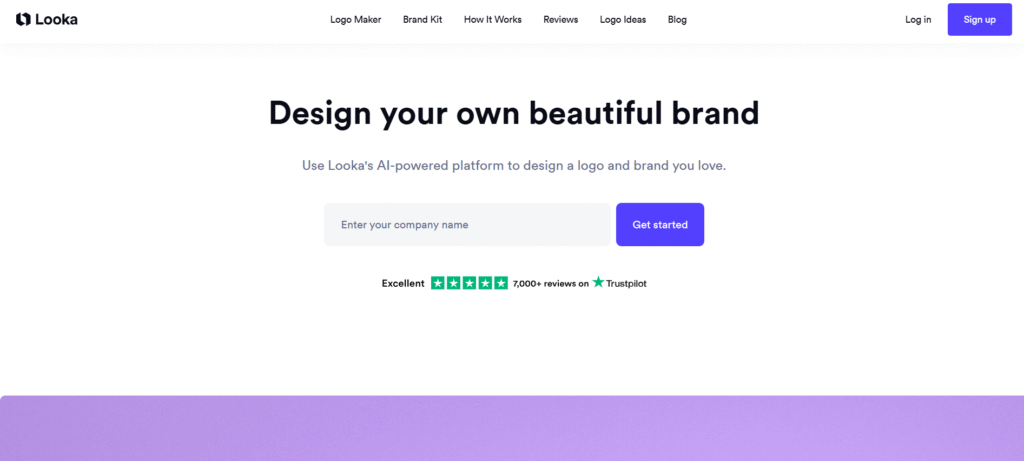
Looka is the most-searched AI logo tool for a reason. The onboarding wizard asks about your industry, style preferences, colors, and symbols, and within two minutes you’re looking at dozens of variations. I ran a sample coffee-shop prompt through it and had eight genuinely different directions to compare before I’d finished my coffee. For someone who has never hired a designer and needs something professional before a product launch, it delivers.
Best for: Non-designers who need a complete brand kit fast logo, social assets, business card templates, and brand guidelines in one place.
| Plan | Monthly Price | Yearly Price | What You Get |
| Free | $0 | $0 | Design and preview only, no download |
| Basic Logo | $20 one-time | N/A | 1 low-res PNG (1,000×1,000px, colored background) |
| Premium Logo | $65 one-time | N/A | SVG, EPS, PDF, PNG, full commercial rights, unlimited edits |
| Brand Kit | N/A | $96/year | 300+ branded templates, social assets, brand guidelines |
| Brand Kit + Web | N/A | $129/year | Everything in Brand Kit + AI website builder |
Logo packages are one-time. Brand Kit tiers are annual subscriptions only.
The $65 Premium and $96/year Brand Kit are separate products. The one-time purchase gets you the files; the subscription gets you ongoing templates. Don’t confuse them at checkout, and note that Brand Kit subscriptions auto-renew annually.
| Pros | Cons |
| Fastest guided experience of any tool tested | Basic plan ($20) is low-res PNG only, not print-ready |
| Hundreds of variations in minutes | Customization locked within the algorithm’s parameters |
| Full brand kit with 300+ templates | Auto-renewal complaints documented on Sitejabber |
| Commercial rights included in Premium | Shared icon library = logo-twin risk |
⚠ Watch out for: Multiple verified Sitejabber users reported unexpected recurring charges after purchasing, and one found three other businesses using an identical logo after a reverse image search. Review your billing settings carefully after purchase.
2. Canva : Best free option for solopreneurs already in the ecosystem
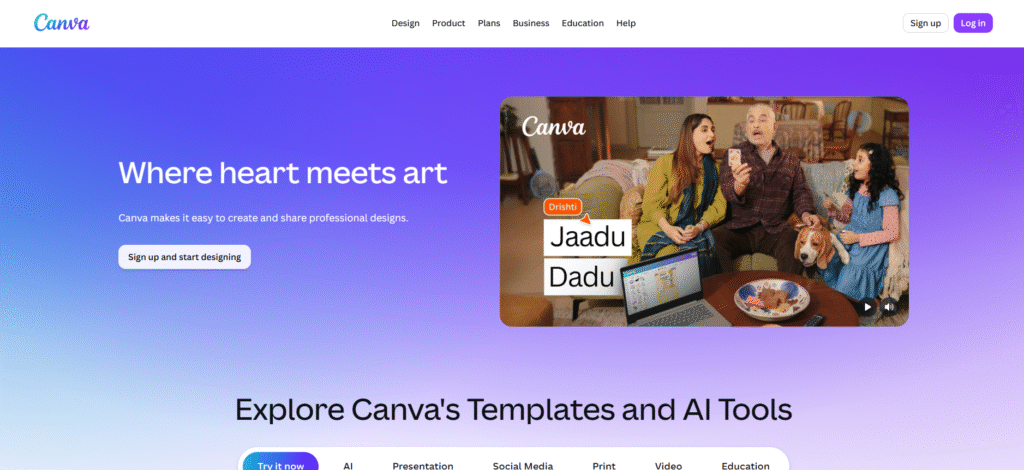
If you already use Canva for social graphics, the logo maker is the obvious first stop. The free plan downloads a basic logo PNG with no watermark, and the brand-kit templates improved noticeably through 2025–2026.
Best for: Solopreneurs who need a logo plus a full suite of social content without paying for two separate tools.
| Plan | Monthly Price | Yearly Price | What You Get |
| Free | $0 | $0 | PNG logo, no watermark, digital use, 1.6M+ templates |
| Canva Pro | $18/month | $144/year | SVG export, transparent PNG, brand kit, 100M+ premium assets |
| Canva Business | $25/user/month | $200/user/year | Pro features + team collaboration, approval workflows |
Canva raised Pro from $12.99 to $18/month over 2025–2026; annual billing brings it to roughly $12/month.
| Pros | Cons |
| Genuinely free PNG download, no watermark | SVG export requires Pro ($18/mo) |
| Full social and brand template suite | Not purpose-built for logos |
| Largest template library on this list | Less guided than Looka for pure logo work |
| Familiar if you already use it | Same shared-asset uniqueness risk |
3. Recraft : Best for distinctive, production-ready logos
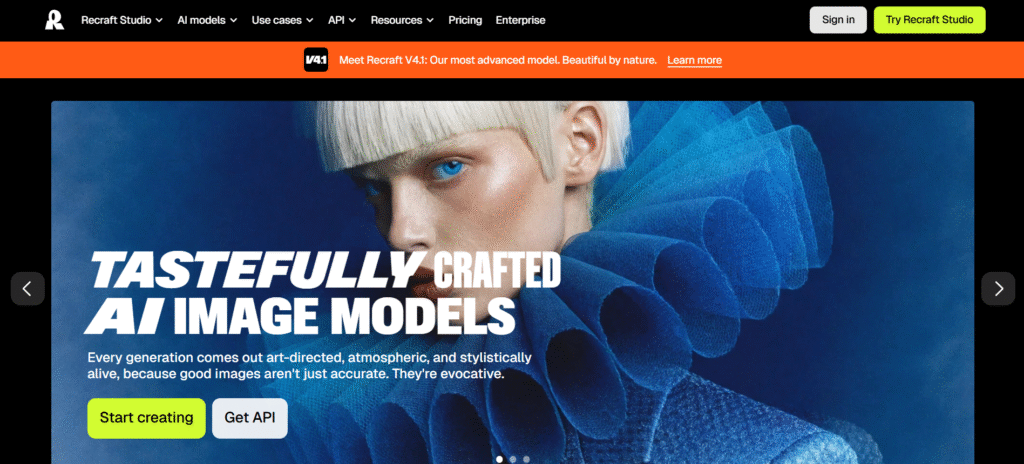
Recraft is where AI logo generation gets genuinely interesting in 2026. Now on V4.1, its most advanced model as of June 2026, it’s the only major AI model that outputs real SVG vector files, not a PNG someone called a vector. When I ran a sample tech-startup prompt through it, the output was distinct in a way brand-kit tools can’t replicate: the icon felt designed, not assembled.
Best for: Anyone who wants a logo that doesn’t look template-built and is comfortable writing a prompt and iterating.
| Plan | Monthly Price | Yearly Price | What You Get |
| Free | $0 | $0 | 30 credits/day; images public, no commercial use, Recraft models only |
| Basic | $10/month | $120/year | 1,000 credits/mo, commercial rights, private generation, SVG export |
| Pro | $16/month | $192/year | 2,000 credits/mo, video generation, priority queue, parallel generations |
| Teams | $18/seat/month | $211/seat/year | Pro features + shared workspace, centralized billing, SSO, 24/7 support |
The $10 Basic plan is the real entry point for logo work. It’s the cheapest tier with SVG export and commercial rights. Prices exclude VAT.
| Pros | Cons |
| Only major AI model with true SVG output | Free-tier images are public, no commercial use |
| SVG + commercial rights from $10/month | No guided wizard, prompt skill required |
| Strong typography handling in 2026 | More iteration than brand-kit tools |
| Lower trademark-collision risk | Less suited to complete beginners |
4. Ideogram : Best for wordmarks and text-heavy logos
Most AI image models still fumble when you need readable, stylized text inside the logo. Ideogram is the exception. According to CheckThat.ai’s analysis, it has positioned itself as the AI generator that renders text correctly for logos, banners, and promotional graphics, that’s the line between usable assets and endless re-rolls. When I tested it on a wordmark-only prompt for a fictional law firm, the typography came out clean on the first try, something I couldn’t say for the other image models.
Best for: Brands whose logo is mainly text (law firms, consultancies, service businesses) or anyone who wants creative typographic treatments.
| Plan | Monthly Price | Yearly Price | What You Get |
| Free | $0 | $0 | Limited public generation, API access, community gallery |
| Plus | N/A | $15/mo billed annually (Save 25%) | 1,000 priority credits/mo, private generation, unlimited slow credits |
| Pro | N/A | $42/mo billed annually (Save 30%) | 3,500 priority credits/mo, batch generation, largest queue |
| Team | N/A | $20/user/mo billed annually | 1,500 priority credits per user, central billing, early access |
Headline Plus and Pro prices reflect annual billing; monthly billing runs higher. Top-up credits available at $4 per pack.
| Pros | Cons |
| Best text accuracy of any AI image model tested | Outputs raster, not SVG vector |
| Strong range for typography-led logos | Free-tier outputs are public |
| Unlimited slow credits on paid plans | Lowest prices require annual commitment |
| Unique generated output | Occasional text errors always proofread |
5. Design.com : Best for all-in-one branding beyond just the logo
Design.com positions itself as a full branding platform rather than a logo maker. The generator is solid comparable to Looka, but the real value is what comes after: website builder, social posts, print-ready exports, and brand asset management under one roof.
Best for: Small business owners who want a logo plus a complete brand presence without stitching five tools together.
| Plan | Monthly Price | Yearly Price | What You Get |
| Free | $0 | $0 | Logo preview, templates, website builder, bio link, no download |
| Starter | $15/month | $60/year | Logo files, vector files, unlimited edits, business cards, 50+ tools |
| Value | N/A | $72/year | Everything in Starter + AI website builder |
| Premium | N/A | $84/year | Everything in Value + link-in-bio, digital business card |
Value and Premium are annual billing only.
| Pros | Cons |
| Most affordable vector download here ($5/mo annually) | Value and Premium are annual-only |
| Integrated brand platform, not just a logo | Less creative range than AI image models |
| Generous free tier to explore first | Free tier is preview-only, no usable download |
6. Brandmark : Best for unlimited post-purchase edits on a budget
Most logo tools give you a short window after purchase to make changes. Brandmark doesn’t cap edits by time, you can revise the design after buying without paying again. For a budget buyer who knows they’ll tweak colors or fonts once they see the logo in use, that’s real value.
Best for: Budget-conscious buyers who want flexibility to refine after purchase without buying a new package.
| Plan | Monthly Price | What You Get |
| Basic | $35 one-time | Low-res PNG, unlimited post-purchase revisions |
| Designer | $95 one-time | SVG, EPS, PNG, PDF; brand style guide, business card, social covers |
| Enterprise | $195 one-time | Designer features + 10 original concepts from Brandmark’s design team |
All packages are one-time payments.
| Pros | Cons |
| Unlimited post-purchase edits, no time limit | Same shared icon library as other assemblers |
| Clean, minimal output | No subscription for ongoing brand assets |
| Competitive vector package ($95) | Less style variety than Looka’s wizard |
| Enterprise includes human designer input | Basic ($35) is PNG only |
7. LogoAI : Best for industry-aware logo generation
LogoAI adjusts icon and style suggestions based on your industry. A real estate firm gets different options than a food truck. The output is guided and fast, similar to Looka.
Best for: Owners in specific sectors (healthcare, real estate, food, legal) who want style suggestions tailored to their industry.
| Plan | Monthly Price | What You Get |
| Basic | $29 one-time | Low-res PNG (800×600px), transparent PNG, vector file, 3-day edits |
| Pro | $59 one-time | High-res files, vector formats, brand identity elements, business card |
| Brand | $99 one-time | Full brand package, logo animation, identity kit, 100 AI credits |
All plans are one-time purchases.
| Pros | Cons |
| Industry-aware icon and style suggestions | 3-day edit window, strictly enforced |
| No subscription, all one-time purchases | Only 3 design changes allowed after purchase |
| Vector file included even in Basic ($29) | Brand plan ($99) pricier than rivals for equivalent output |
⚠ Watch out for: The 3-day, 3-change limit is a real constraint. Don’t buy until you’re confident in a direction.
8. VistaPrint AI Logomaker : Best genuinely free option
Here’s what most comparison articles won’t say plainly: VistaPrint’s AI Logomaker hands you six files for free, three colored-background, three transparent in SVG, PNG, and PDF, at 4,000×4,000px, with no watermark and no paid tier required. I confirmed this directly on the VistaPrint Logomaker page in June 2026.
Best for: Anyone who needs a free logo with real vector files and doesn’t mind VistaPrint nudging them toward print products.
| Plan | Monthly Price | What You Get |
| Free | $0 | SVG, PNG, PDF, 6 files, transparent backgrounds, 4,000×4,000px, no watermark, commercial use |
| Pros | Cons |
| Only tool offering genuinely free SVG + PDF + PNG | Funnels toward VistaPrint print purchases |
| No watermark, no paid tier | Narrower style range than premium tools |
| Transparent background + commercial use included | Not built for ongoing brand asset management |
9. Tailor Brands : Best for business formation + branding in one place
Tailor Brands has shifted. What started as a logo subscription is now built around business formation, LLC filing, legal compliance, expedited processing with branding bundled into the higher tiers. If you only need a logo file, this isn’t your tool. If you’re forming a business entity and need a brand identity in the same place, nothing else here covers both.
Best for: Entrepreneurs forming an LLC who want legal setup and brand identity handled together.
| Plan | Yearly Price | What You Get |
| Lite | $0 + state fees | LLC formation, invoicing & bookkeeping (30-day trial), business coaching |
| Essential | $199/year + state fees | LLC formation, legal compliance, 1-day expedited processing, funding search |
| Elite | $249/year + state fees | Everything in Essential + domain, website, business coaching program |
All plans billed annually; state filing fees are separate. The invoicing & bookkeeping trial converts to a paid add-on after 30 days unless canceled.
| Pros | Cons |
| Combines LLC formation + branding in one place | Annual billing only, no monthly option |
| Legal compliance and expedited processing built in | State fees charged separately on all plans |
| Domain + website included in Elite | Invoicing trial auto-converts to paid |
| Free Lite tier covers basic LLC filing | Overkill if you just need a logo file |
10. ChatGPT & Google Nano Banana : Two separate tools for creative exploration
These are two different tools from two different companies. They get mentioned together only because both let you brainstorm logo concepts through a chat interface before committing to a dedicated tool. They aren’t the same product and they aren’t priced together so here’s each on its own.
ChatGPT (GPT Image) – by OpenAI
ChatGPT’s built-in image generator is the fastest option if you already use ChatGPT for other work. Describe a logo idea and it produces a concept in seconds. Text rendering improved enough in 2026 to make the output useful for setting direction, though not for final files.
| Plan | Monthly Price | Yearly Price | What You Get |
| Free | $0 | $0 | Limited GPT-5.5 Instant access, limited image generation, ads |
| Go | $8/month | N/A | 10x more messages, uploads, and image creation than Free; longer memory |
| Plus | $20/month | N/A | Advanced reasoning, expanded image creation, Deep Research, Codex, ad-free |
| Pro | From $100/month | N/A | 5x or 20x more usage than Plus, unlimited image creation, maximum Deep Research |
| Business | $25/user/month | $20/user/month (billed annually) | Plus features + Microsoft 365/Slack/Figma connectors, centralized billing, SSO |
| Enterprise | Custom pricing | Custom pricing | Expanded context window, enterprise security, data residency, 24/7 priority support |
Business is $20/user/month billed annually (2+ users) or $25/user/month billed monthly. Business and Enterprise are built for company-wide deployment not relevant for solo logo exploration, but included here for completeness.
Google Nano Banana (Gemini) – by Google
“Nano Banana” is Google’s nickname for the image model inside the Gemini app. You access it through Google’s own AI subscription, not a third-party site. If you already live in Gmail, Docs, or Gemini, this is the native option.
| Plan | Monthly Price | What You Get |
| Free of charge | $0 | Gemini app, limited Nano Banana access, 15GB storage |
| Google AI Plus | $4.99/month | 2x higher usage than Free, Nano Banana Pro access, 200 Flow credits, 400GB storage |
| Google AI Pro | $19.99/month | 4x higher usage than Free, higher access to Nano Banana in Search, 1,000 Flow credits, 2TB storage |
| Google AI Ultra | From $99.99/month | 5x–20x higher usage than Pro, Deep Think, Gemini Spark, up to 25,000 Flow credits |
Ultra has two sub-tiers by usage multiplier. All Google AI plans are monthly billing, no published annual discount.
Skip the reseller sites. Some third-party sites charge their own fee to access Google’s model through a wrapper. You don’t need them. Nano Banana comes directly from Google through the Gemini app, with a genuinely free tier.
One limitation both share: Neither outputs SVG vector files. Both are for exploring logo directions cheaply, not producing the final scalable file. Once you’ve landed on a direction, move to Recraft for true SVG, or Looka/VistaPrint for a guided brand kit.
Quick Decision Matrix : Which Tool Is Right for You?
| Your situation | Best tool | Why |
| Need a logo by tomorrow, no design experience | Looka | Fastest guided experience, hundreds of options in minutes |
| Need free, production-ready files (SVG included) | VistaPrint AI Logomaker | Genuinely free SVG/PNG/PDF, no watermark |
| Building a serious, distinctive brand | Recraft | True SVG output, unique generated designs |
| Logo is mostly text / wordmark | Ideogram | Best text accuracy of any AI image model in 2026 |
| Already using Canva for everything | Canva | Logo + all brand assets in one platform |
| Forming a LLC and need branding too | Tailor Brands | LLC formation + brand tools bundled |
| Want to experiment before spending anything | ChatGPT or Google Nano Banana | Free concept exploration in whichever ecosystem you use |
| Need a full brand platform at lowest monthly cost | Design.com | Vector download from $5/month annually |
What Most People Get Wrong About AI Logo Tools
Downloading a PNG and calling it done. A PNG works for your website header and social profiles. It won’t work when a print shop asks for your “vector file” and you need to scale the logo to a banner. SVG solves this. It stays sharp at any size and a designer can edit it later. If your tool only outputs PNG at the tier you bought, you’ll pay again later to fix it.
Skipping the reverse image search. Run your final logo through Google Images before building anything around it, especially with brand-kit assemblers. Users have reported finding near-identical logos on competitor businesses after committing to a shared-library design.
Misreading what “free” means. Most tools use “free” to mean “free preview with watermark.” VistaPrint and Canva (for basic PNG) are the genuine exceptions. The rest either watermark the output or cap it at low-res until you pay.
Ignoring the trademark angle. The USPTO evaluates distinctiveness in commerce, not how a mark was made. But if your icon appears in thousands of other logos pulled from the same shared library, claiming it as distinctly yours is an uphill filing.
The 2026 Split : Two Types of AI Logo Tools You Need to Know
This is the context that changes how you use every tool above.
Category 1: Brand-Kit Assemblers. Looka, Brandmark, Design.com, Canva, LogoAI, and Tailor Brands combine elements from curated libraries, icons, fonts, palettes, into a polished layout. The process is fast and guided. No prompt, no design instincts needed, and the output looks professional from the first preview. The tradeoff: because every customer draws from the same library, your logo is never truly unique. Rangy.ai’s 2026 review flags brand-kit assemblers as risky for trademark distinctiveness for exactly this reason.
Category 2: AI Image Models. Recraft, Ideogram, ChatGPT’s GPT Image, and Google’s Nano Banana generate logo artwork from a text prompt. Until recently these were unusable for logos because the models couldn’t render text and a logo with garbled letters is worse than no logo. That’s changed. Per Designlab’s May 2026 review, GPT Image, Ideogram, and Nano Banana now handle typography accurately, and Recraft is the only major model outputting true scalable SVG directly. The tradeoff: these ask more of you, a clear prompt, iteration, and often minor cleanup in a vector editor afterward.
So which category fits you? Use the decision matrix above. It comes down to whether you need something fast and guided, or something genuinely distinctive.
FAQs
What is the best free AI logo generator without a watermark?
VistaPrint’s AI Logomaker gives you SVG, PNG, and PDF downloads at no cost with no watermark six files including transparent-background versions. Canva’s free plan also allows watermark-free PNG downloads, though SVG export requires Canva Pro ($18/month as of June 2026).
Can I trademark a logo made with AI?
Yes. In the U.S., the USPTO evaluates trademark eligibility on whether a mark is distinctive in commerce, not how it was created. Brand-kit assemblers carry higher trademark risk because the same icon libraries serve thousands of customers; logos from AI image models like Recraft or Ideogram are less likely to hit that conflict.
What file format do I actually need for my logo?
SVG (scalable vector graphic) is the most important, a designer can scale and edit it without quality loss. A transparent PNG works for websites and social media. Avoid relying on a JPEG-only download for any serious brand use.
Is Looka free to use?
Looka lets you design and preview for free, but downloading usable files costs money. Basic is $20 one-time for a single low-res PNG. Premium is $65 one-time for SVG, EPS, and PDF with full commercial rights. The Brand Kit subscription is $96/year, and Brand Kit + Web is $129/year with an AI website builder.
Will my AI-generated logo look the same as someone else’s?
It’s a real risk with template-based assemblers. Verified Sitejabber users have reported finding near-identical logos on other businesses after buying from shared-library tools. To reduce it, use AI image models (Recraft, Ideogram) that generate original output, and reverse-image-search any logo before building a brand around it.
What is Recraft, and why is it recommended for logos in 2026?
Recraft is an AI image model built for design work. Unlike other generators it outputs true SVG vector files, so you can scale and edit the logo without quality loss. It handles short text more reliably than most AI tools, and because it generates original artwork, the output isn’t drawn from a shared template library. Paid plans start at $10/month.
How much does a good AI-generated logo actually cost?
Anywhere from $0 (VistaPrint, Canva free tier) to $99 (LogoAI Brand plan with a full identity kit). Most one-time purchases with vector files land between $29 and $65. Subscription tools start as low as $5/month annually (Design.com). For logo-only needs, a one-time purchase usually makes more financial sense than a recurring subscription.