

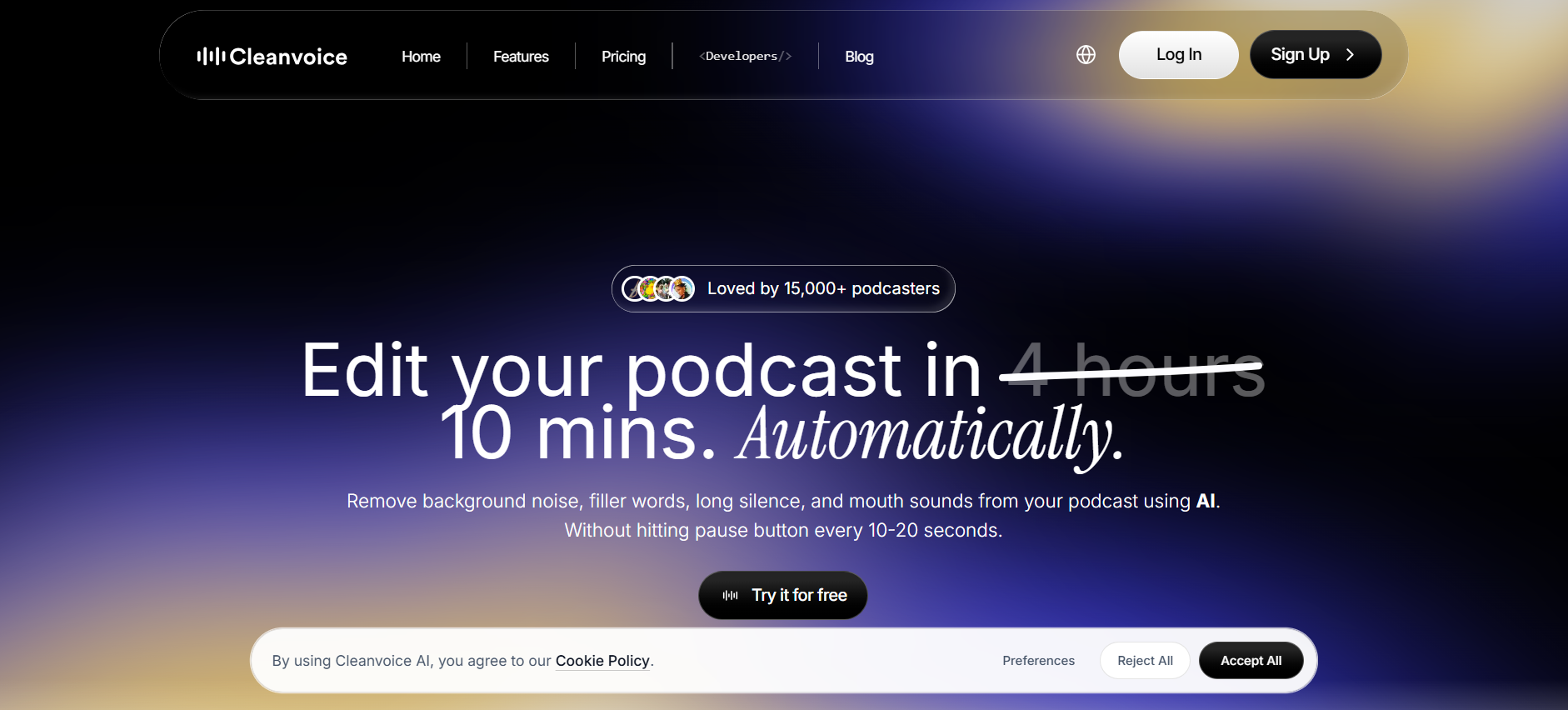
What is Cleanvoice AI?
Cleanvoice AI is an automated podcast editor that removes filler words, background noise, mouth sounds, silences, stutters, and echo from audio or video recordings using AI. It replaces manual DAW editing for podcasters recording in home offices, cafés, or other imperfect environments who need a clean, publish-ready master.
Key Features
- Filler Words Remover: cuts “um,” “uh,” “like,” and “you know” across 20+ languages including English, German, French, Spanish, and Hindi. Sensitivity is adjustable per project so intentional pauses stay intact.
- Background Noise Remover: strips continuous ambient sounds (HVAC hum, traffic, laptop fans) and intermittent noise (dog barks, door slams, chair creaks) in a single pass. Handles outdoor and wind-affected recordings, not just studio conditions.
- Studio Sound (Audio Enhancer): rebuilds vocal presence on recordings made with laptop mics, phone mics, or budget USB gear, including recordings made without a pop filter.
- Multitrack Editing: accepts separate WAV or MP3 files per guest, cleans each track independently, then syncs them into one timeline while preserving natural crosstalk timing.
- Mouth Sounds, Breath & Stutter Remover: three independent toggles that catch lip smacks, audible inhales, and repeated word starts, so you can strip noise without losing vocal texture in emotional moments.
- Timeline Export: outputs a reference file listing every AI edit with timestamps for review in Adobe Audition, Reaper, or Logic.
- Transcription & AI Summary: generates a full transcript plus show notes, chapter markers, and social pull quotes from one upload, exportable in multiple formats.
- API + Integrations: a REST API and Make (Integromat) integration let teams automate cleanup directly from a podcast host or Google Drive folder.
Pricing
Cleanvoice offers a free trial of 30 minutes of processing with no credit card or sign-up required. Subscription plans start at $11/month for 10 hours (or $110/year), and pay-as-you-go starts at $11 for 5 hours. Subscription credits roll over up to three times your plan limit, and pay-as-you-go credits stay valid for two years. Verify current pricing at cleanvoice.ai/pricing.
Pay-as-you-go:
| Hours / Month | Price | Effective Rate | Credit Validity |
| 5 hours | $11 | $2.20/hr | 2 years |
| 10 hours | $20 | $2.00/hr | 2 years |
| 30 hours | $45 | $1.50/hr | 2 years |
Subscription:
| Hours / Month | Monthly Price | Monthly Rate | Yearly Price (billed annually) | Yearly Rate |
| 10 hours | $11 | $1.10/hr | $110/year | $0.92/hr |
| 30 hours | $30 | $1.00/hr | $300/year | $0.83/hr |
| 100 hours | $90 | $0.90/hr | $900/year | $0.75/hr |
| 200+ hours | Custom | Negotiated | Custom | Negotiated |
All plans include every feature. Prices exclude VAT. Yearly billing is selected via the toggle on the live pricing page and lowers the effective hourly rate by roughly 15–17% compared to monthly billing.
How It’s Typically Used: Real Workflow
Cleanvoice fits into podcast production as a post-recording cleanup layer, replacing the manual editing pass that usually eats 2 to 4 hours per episode.
Step 1: After recording in Riverside, SquadCast, Zoom, or a local DAW, export each participant’s audio as a separate track (WAV, MP3, or M4A), or a merged video file for video podcasts.
Step 2: Sign in at app.cleanvoice.ai and create a new project. Drag every track into a single multitrack upload so the AI can sync them.
Step 3: Toggle only the edits needed for this episode. For a conversational interview, that usually means filler words on, silence trim on, background noise on, mouth sounds on, breath remover off to keep natural pacing, and stutter remover off to keep personality intact.
Step 4: Hit process. A one-hour multitrack episode typically finishes in 8 to 12 minutes depending on server load. Cleanvoice returns a cleaned master file plus a timeline export marking every cut.
Step 5: Preview the cleaned file. If a section feels over-edited, open the timeline export in your DAW, roll back individual cuts, and re-render without re-uploading or spending more credits.
Step 6: Run the same project through the Transcription & Summary tool to generate show notes, chapter markers, and social snippets before uploading the final audio to your podcast host.
Teams processing episodes at scale skip the manual dashboard and route uploads through the API or a Make automation instead.
Pros & Cons
Pros
- 30-minute free trial requires no card or sign-up, unlike Adobe Podcast’s 30-min/day cap that resets daily but locks features behind Premium.
- $11/month unlocks every feature, including API access, with no tier gating like Descript’s Hobbyist-to-Creator jump.
- Multitrack sync handles guest crosstalk without pre-mixing, tested on a 2-guest interview file.
- Timeline export lets you roll back individual AI cuts in Reaper or Logic instead of re-processing the whole file.
Cons
- Cloud-only, with no offline mode, desktop app, or mobile app; every edit requires an active browser session.
- Email-only support with no live chat or phone option for urgent turnarounds.
- AI occasionally trims legitimate pauses or misses context-dependent fillers.
- Not a full DAW; no manual mixing, EQ, or mastering controls beyond Studio Sound.
- Multitrack projects require every guest track uploaded separately; no built-in recording feature to capture them in the first place.
Who It’s For
Solo podcasters and small studios recording remotely get the most direct benefit: filler words, silences, and home-office noise are exactly what Cleanvoice is built to remove, and multitrack support means two- and three-guest interviews process without manual pre-mixing.
Agencies and B2B teams producing at volume also fit well, since the API and Make integration let recordings flow through Cleanvoice as an automated step in a larger publishing pipeline rather than a manual upload each time.
Music producers, mobile editors, and offline workflows are a poor fit. Studio Sound is tuned for spoken voice, not vocals over instrumentation, and there’s no desktop app, mobile app, or offline mode, so anyone editing on the go or on an unstable connection will hit friction fast.
Is It Worth It?
For a weekly podcaster spending 2 to 4 hours per episode on manual cleanup, yes: at $11/month for 10 hours on the entry subscription, Cleanvoice pays for itself on the first episode of the month, and rollover credits of up to 3x your plan limit protect against slow weeks.
For agencies running multitrack interviews at scale, also yes: the API, Make integration, and $0.90/hour rate at 100 hours work out cheaper than paying a human editor per episode, and every feature is included on every plan with no upsell required.
For anyone needing frame-level control, working with music, or editing offline, no. Cleanvoice makes automated cut decisions, and while the timeline export lets you review them, the workflow is built for speed over precision.
Alternatives
Cleanvoice sits in a crowded field, and the right competitor depends on whether your bottleneck is editing time, recording quality, or broadcast-spec mastering. Here’s how the three closest options compare.
| Tool | Core Strength | Best Use Case | Starting Price | Key Limitation |
| Cleanvoice AI | Automated filler/noise removal in 20+ languages | Solo podcasters wanting hands-off post-production | $11/month (10 hrs) | No offline mode, no mobile app, email-only support |
| Descript | Text-based video and audio editing with full AI suite | Creators bundling recording, editing, and transcription | $16/mo annual (Hobbyist) | Steeper learning curve; media-minute caps inflate costs |
| Adobe Podcast | Free Enhance Speech for browser-based cleanup | Quick noise removal on short clips under 30 minutes | Free; Premium $9.99/month | 30-min file cap on free tier; limited editing features |
| Auphonic | Loudness normalization to ATSC/EBU R128 specs | Podcasters needing broadcast-standard mastering | Free 2 hrs/mo; paid from $11/month | Free productions include a jingle; UI feels dated |
FAQs
Is Cleanvoice AI free to try?
Yes. Cleanvoice gives 30 minutes of free audio or video processing with no credit card or sign-up. You can also create a free account to explore the dashboard before buying credits.
Does Cleanvoice AI support multiple languages?
Yes. Cleanvoice detects and removes filler words across 20+ languages including English, Spanish, German, French, Portuguese, and Hindi. Noise removal and silence trimming work regardless of language.
How does Cleanvoice AI compare to Descript for solo podcasters on a tight budget?
Cleanvoice’s $11/month subscription undercuts Descript’s $16/month Hobbyist plan for creators publishing under 10 hours of audio monthly. Cleanvoice focuses purely on cleanup, while Descript bundles recording, editing, and transcription in one workspace.
Is Cleanvoice AI safe for sensitive recordings?
Cleanvoice is GDPR-compliant, ISO 27001 certified, and stores data on EU servers. Files can be deleted manually after processing, and the company publishes a Data Processing Agreement for business customers.
Does Cleanvoice AI work for video podcasts?
Yes. Cleanvoice supports video uploads and applies filler, silence, and noise removal to the audio track while preserving sync with the video, exporting a cleaned video with the original visuals intact.