
You’ve probably typed “free AI writing tools” into Google at least once this year, clicked on a list of ten tools, and then found out three of them need a credit card by day three. That happens because most lists don’t bother separating “free forever” from “free for now.”
I went through the tools myself this month, checked each one against its own pricing page, and sorted out which ones are genuinely free and which ones just use the word loosely. As of July 2026, only a handful of AI writing tools are free with no card and no expiration date. This guide covers those, what their free plans actually let you do, and where they fall apart.
What are free AI writing tools?
Free AI writing tools are apps that let you draft, edit, or rewrite text using AI without paying upfront. Some, like ChatGPT and Claude, are free forever with usage limits. Others advertise “free” but really mean a short trial before you’re asked to pay. Knowing which is which saves you from getting stuck mid-project when free access runs out.
What actually counts as “free” in 2026?
Here’s the thing nobody tells you upfront: a lot of “free” AI writing tools are really free trials wearing a free plan’s clothes. Before I even opened a single tool, I set three rules for what could make this list.
- No credit card required to start
- A usable amount of free generation each month, not just a demo
- Pricing checked against the tool’s own official page this month, not an old screenshots
That ruled out a few names you’ll see on other lists. Copy.ai, for example, shows up on plenty of “free AI writing tools” roundups. But its own pricing page currently offers only a paid Chat plan starting at $29 a month and a free trial, not an ongoing free plan. If you want the full story on where Copy.ai fits and who it’s actually for, TheDiscoverAI’s Copy.ai review breaks down its pricing tiers in detail.
So what’s left? Here’s what actually holds up.
Free AI writing tools compared at a glance
| Tool | Free forever? | Free tier limit | Best for |
| ChatGPT | Yes | Daily message cap, GPT-5.5, ads in US | General blog drafts and outlines |
| Claude | Yes | Rolling usage cap, Claude Sonnet 5 | Long-form writing that needs less editing |
| Google Gemini | Yes | Undisclosed daily cap | Writing inside Google Docs and Gmail |
| Grammarly | Yes | 100 AI prompts/month | Editing existing drafts |
| QuillBot | Yes | 125 words per paraphrase | Short paraphrasing and rewriting |
| Rytr | Yes | 10,000 characters/month | Short-form copy on a tight budget |
| Perplexity | Yes | Limited Pro searches/day | Research-backed writing with sources |
How much does ChatGPT actually cost, and is the free plan any good?
ChatGPT’s free plan costs nothing and doesn’t ask for a card. As of mid 2026, it runs on GPT-5.5, one step behind the model paid users get, and it comes with daily message limits that reset every few hours.
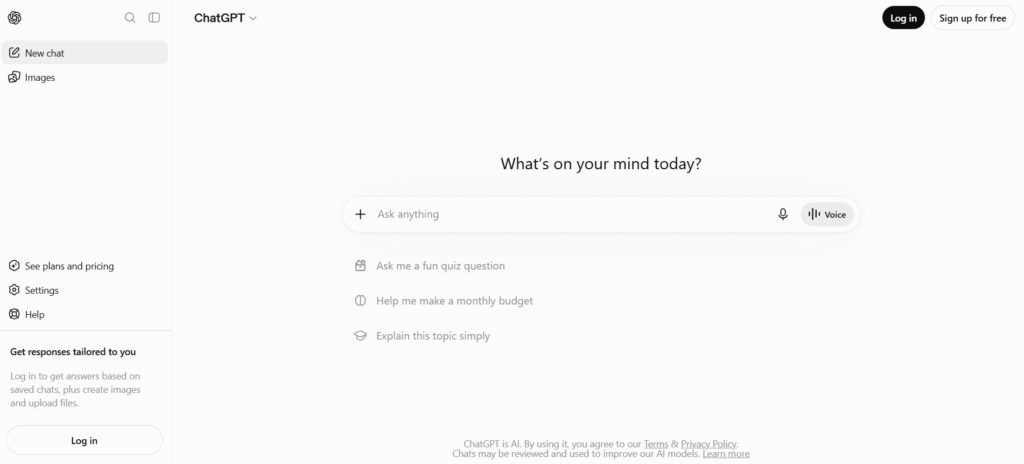
As of February 2026, ChatGPT’s Free and Go tiers started showing ads to some users. It’s a small trade, but worth knowing before you build a daily habit around it.
For general blog drafts, outlines, and quick rewrites, the free plan holds up fine. I ran a few outline prompts through it while writing this piece, and it handled a basic 5-point blog structure in under 20 seconds, no waiting, no queue.
Where it struggles is longer, single-sitting writing. You’ll hit the message cap faster than you’d expect if you’re drafting a full 1,500-word post in one go.
Claude’s free plan: best for writing that doesn’t sound like AI
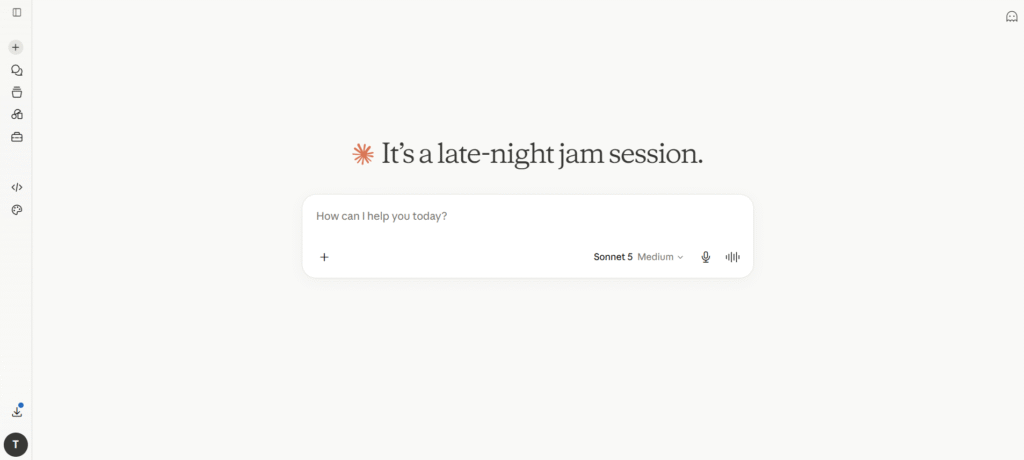
Claude, made by Anthropic, gives you Claude Sonnet 5 on its free plan with no card needed. That became the default free model on June 30, 2026, replacing an older, weaker model that used to sit behind the paywall.
Here’s the thing nobody tells you: a lot of AI writing sounds the same because most tools default to the same generic phrasing. Claude tends to write in a way that needs less rewriting afterward, especially for longer pieces.
On a Substack comment thread about AI writing workflows, one reader mentioned they don’t lean on AI for full blog posts, but they do use it for emails, and that Claude matched their own writing style more closely than ChatGPT did, even though ChatGPT stayed their go-to tool for everything else. That’s a pattern I noticed too while testing both tools this week, the “best” free tool really depends on the task in front of you, not a single winner across the board.
The free plan also includes Projects and file uploads, so you can drop in a rough draft and ask for edits without starting from scratch.
Google Gemini: the free pick if you already live in Google Docs
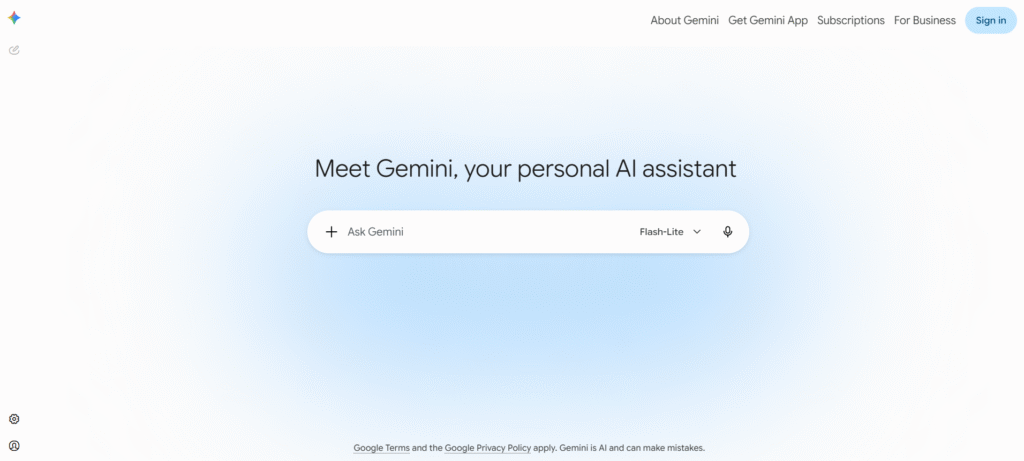
Gemini’s free tier costs $0 and gives you Gemini 3.5 Flash, with some access to the stronger 3.1 Pro model depending on demand. Google restructured this more than once in 2026, so I’d check gemini.google.com directly before relying on the exact model split.
If you write inside Google Docs, Gmail, or Sheets already, Gemini sits right there without switching tabs. That convenience matters more than raw writing quality for a lot of people.
Sounds simple enough, right? Here’s where it gets complicated: Gemini’s free daily limits aren’t published as an exact number. Google just says paid tiers get “2x” or “4x” the free allowance, so you won’t know you’ve hit the ceiling until you actually do.
Grammarly’s free plan: good for editing, not for writing from scratch
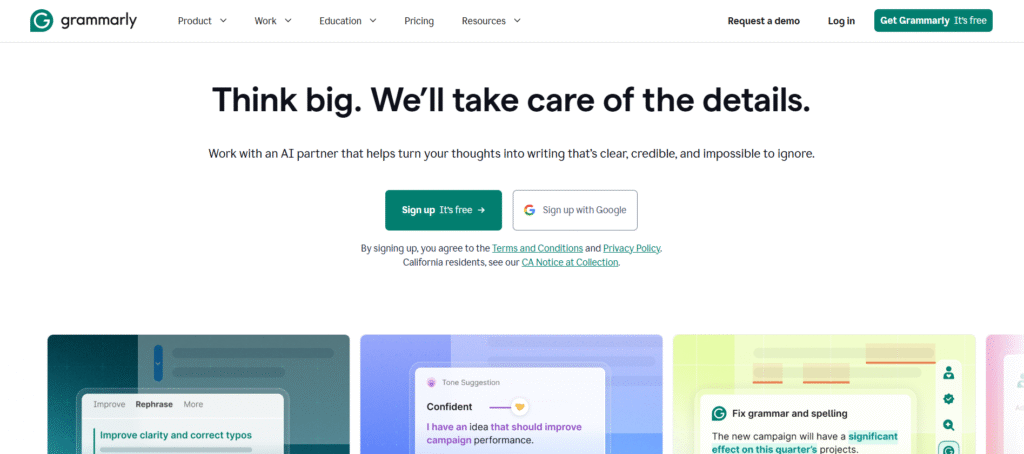
Is Grammarly an AI? Yes. It checks grammar, spelling, and tone for free, and its free plan now includes 100 AI prompts a month for things like rewriting a sentence or generating a reply.
But let’s be honest about what Grammarly is actually for. It’s an editor, not a generator. If you already have a draft and need it tightened up, Grammarly’s free plan does real work. If you’re starting from a blank page, it’s not built for that job the way ChatGPT or Claude is.
Grammarly Pro costs $12 a month if you pay yearly, or $30 a month if you don’t. The free plan doesn’t expire and doesn’t need a card, which puts it firmly in the “actually free” column.
Is QuillBot’s free plan actually usable?
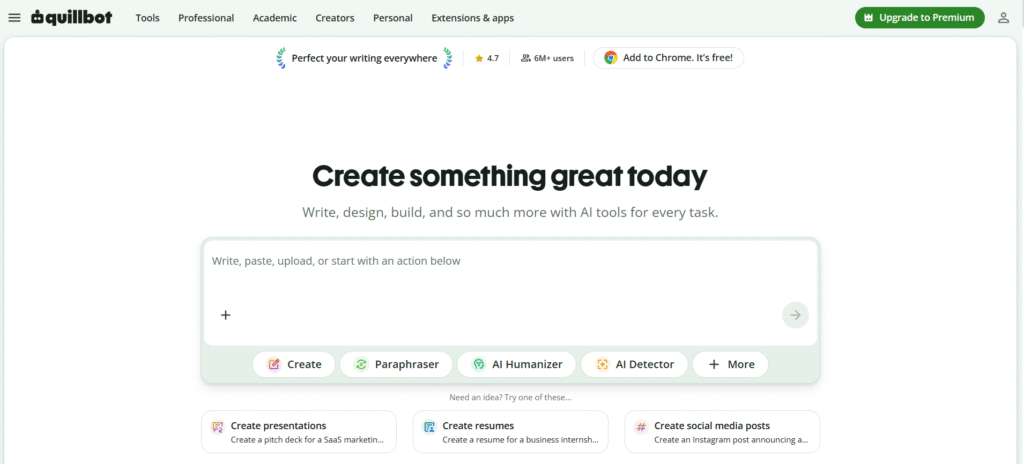
QuillBot’s free plan is real and permanent. You get its paraphrasing tool, grammar checker, a summarizer capped at 1,200 words, and a citation generator, all without paying.
The catch is the 125-word limit per paraphrase request. I tried running a 600-word paragraph through it and had to split it into five separate chunks to get through the whole thing.
One writer testing QuillBot Premium this year described that same 125-word cap as workable in theory but “deliberately punishing” once you’re actually trying to rework a long document, since you end up copying and pasting the same text in pieces over and over. That matches what I found. It’s fine for a sentence or two. It’s slow going for anything longer.
Upgrading to QuillBot Premium removes the 125-word cap and adds a plagiarism checker. It’s priced at $19.95 a month, or $8.33 a month if you pay annually.
Rytr: the free plan for short, budget-tight writing
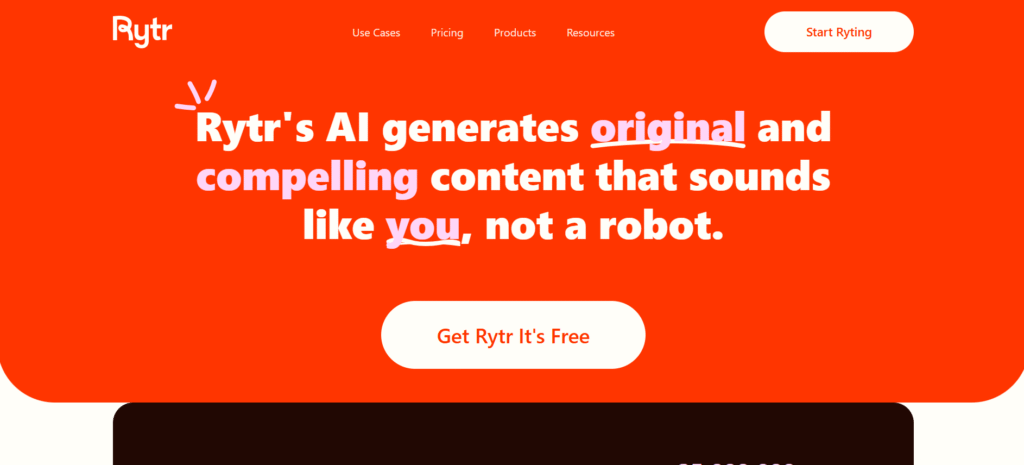
Rytr gives free users 10,000 characters a month, which works out to roughly 1,500 to 2,000 words total, not per piece. It covers 40 or so templates, but you’re locked to one language on the free tier.
That character budget disappears fast. A single 1,500-word blog draft can eat 8,000 to 9,000 characters on its own, leaving barely anything left for the rest of the month.
Rytr makes more sense for short-form work like product descriptions, social captions, or email snippets than for full articles. Once you outgrow the free tier, the Unlimited plan starts at $9 a month, or $7.50 a month billed yearly.
Perplexity: the free pick when you need sources, not just sentences
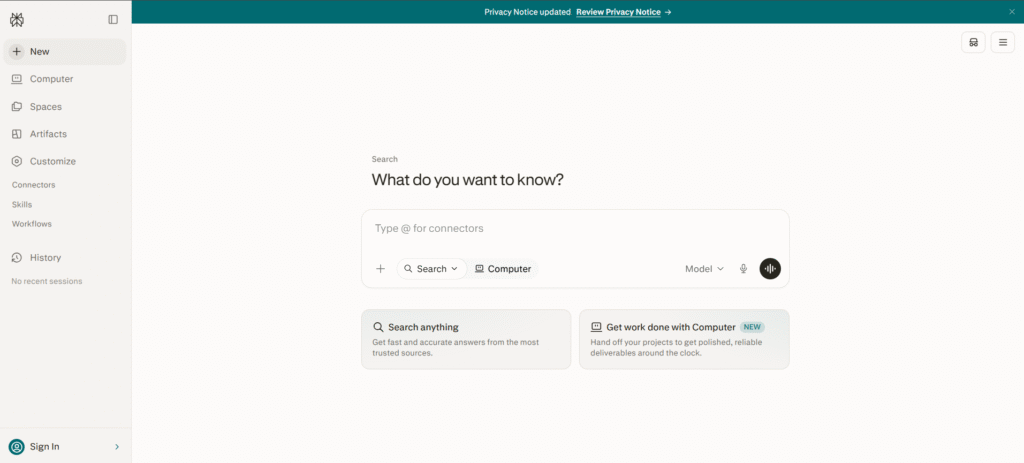
Perplexity’s free plan behaves more like a research assistant than a chat tool. It attaches a source link to most factual claims it makes, which matters if you’re writing anything that needs to hold up to fact-checking later.
It’s less flexible for creative writing, and its free tier limits how many “Pro” searches you get per day. But for pulling together a research-backed first draft with sources already attached, it does something the other tools on this list don’t.
My ratings: how these free plans actually stack up
I’m rating these on one thing only, how much real writing you can get out of the free plan before you hit a wall. Not brand reputation, not what any other review site says.
| Tool | My rating | Standout free feature | Where it loses points |
| Claude | 4.5/5 | Free plan defaults to Claude Sonnet 5, the same model Pro users get | Anthropic doesn’t publish an exact usage number, so you find the ceiling by hitting it |
| ChatGPT | 4.2/5 | Fastest outline generation of the seven, under 20 seconds in my test | Ads now show up on the free plan for US users |
| Grammarly | 4.0/5 | 100 AI prompts a month on top of unlimited basic grammar checks | Only good once you already have a draft, it won’t write one for you |
| Perplexity | 4.0/5 | Every factual claim comes with a clickable source attached | Daily cap on Pro searches, and weak for anything creative |
| Gemini | 3.8/5 | Built into Docs and Gmail, so there’s no tab-switching | Google won’t say what the daily free limit actually is |
| QuillBot | 3.5/5 | Free plan never expires, includes a citation generator | 125 words per paraphrase means chopping anything long into pieces |
| Rytr | 3.3/5 | Full access to all 40 templates even on the free tier | 10,000 characters a month disappears after one blog draft |
If I had to pick just one to open right now: Claude, for the writing quality, or ChatGPT, if speed and familiarity matter more to you than polish. Grammarly sits in a different lane entirely, keep it open in a second tab for whatever the other two produce.
FAQs
Is AI writing free?
Some of it is. ChatGPT, Claude, Gemini, Grammarly, QuillBot, Rytr, and Perplexity all offer free plans with no card and no time limit. Others, like Copy.ai, only offer a free trial before billing kicks in. Check the tool’s actual pricing page before assuming.
Which free AI writing tool is best for blog posts?
ChatGPT’s free plan handles general blog drafting well and works fast for outlines. Claude’s free plan tends to produce writing that needs fewer edits afterward, especially for longer pieces.
Is ChatGPT completely free?
The ChatGPT free plan costs nothing and needs no card, but it runs an older model than paid tiers, has daily message limits, and shows ads to US users as of February 2026.
Is Grammarly an AI?
Yes. Grammarly’s free plan checks grammar, spelling, and tone, plus gives you 100 AI prompts a month for basic rewrites. Its Pro plan, at $12 a month billed yearly, adds full rewrites and plagiarism checks.
What’s the catch with QuillBot’s free plan?
It’s genuinely free with no expiration, but paraphrasing is capped at 125 words per request. Longer documents need to be broken into several chunks to get through.
What’s the difference between a free plan and a free trial?
A free plan has no end date but limits how much you can generate each month. A free trial gives full access for a set number of days, then starts charging automatically.