
Search “custom manufacturing software” and nearly every top result is an agency pitching a six-month build. That’s the wrong article for most people typing this in. If you run a job shop, a food line, or a small assembly operation and searched some version of custom manufacturing software free or best manufacturing software for small business, you’re not looking to commission code. You’re looking for a configurable tool you can be running by next month. This article covers which off-the-shelf tools actually fit a small manufacturer’s budget and workflow in 2026, and which ones are genuinely free rather than free-trial-free.
What is custom manufacturing software?
Custom manufacturing software is a system built from scratch around one company’s exact production workflow, usually commissioned through a development agency over several months. Off-the-shelf manufacturing software, like Katana, MRPeasy, or Odoo, is pre-built and configurable, and most small manufacturers searching for “custom” solutions actually need the second option, not the first.
How to choose between these tools
Before diving into the shortlist, here is what separates a good fit from a bad one for any small shop evaluating custom manufacturing software:
- Genuinely free vs. free-trial-only. A 14-day trial isn’t a free tier.
- Pricing at your actual order volume, not the entry-level number on the homepage.
- Setup without a dev team. If you need an implementation partner to go live, that’s a hidden cost.
- Fit for small-batch or job-shop production. A tool built for 200-person factories will fight you at every step.
Best manufacturing software for small business: the shortlist
1. Odoo (Community Edition)
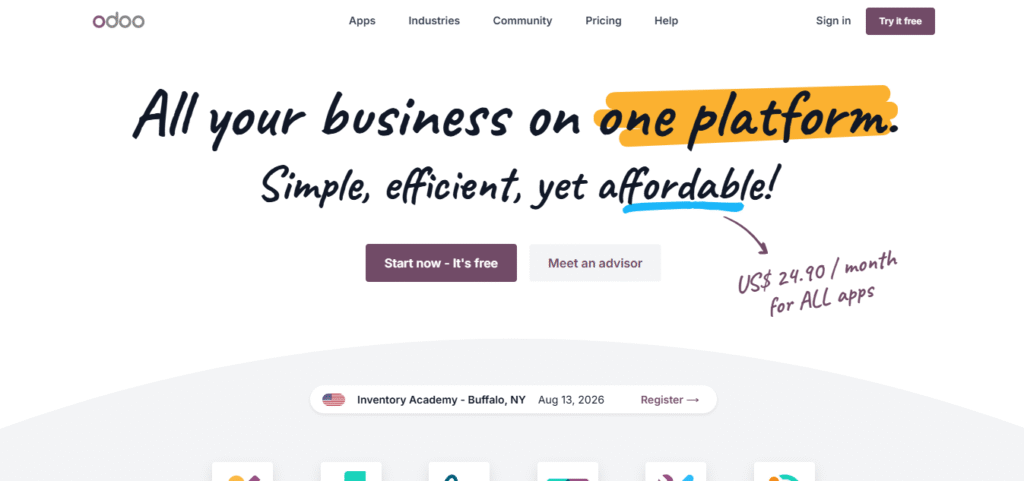
Odoo is one of the most widely used open-source ERP platforms in the world, and for small manufacturers on a tight budget, its Community Edition is the most credible genuinely-free option on this list. Unlike most tools that use “free” as a hook for a trial, the Community Edition carries no expiry date, no seat cap, and no feature-unlock paywall. It ships with dedicated manufacturing, inventory management, MRP, bill of materials, and purchase order modules out of the box, which covers the core workflow of most small production operations.
Where it gets complicated is the setup path. Odoo runs as a hosted SaaS product through its own pricing page, and the hosted free tier there covers only a single app, not the full stack. To access the Community Edition at no cost, a business needs to download and self-host the software separately, which requires either in-house technical capability or a trusted implementation partner. That distinction is not prominently explained on Odoo’s own site, and it catches a lot of small manufacturers off guard.
Pricing: Odoo’s pricing page lists three plans: a “One App Free” tier at $0 covering a single app, a Standard tier at $31.10/user/month (or $24.90/user/month on annual billing) for all apps on Odoo Online, and a Custom tier at $61.10/user/month (or $49.00/user/month on annual billing) adding Odoo.sh hosting, Studio, Multi-Company, and External API access. The Community Edition, which is fully free and covers the complete app suite, is a separate self-hosted download, not accessible through the “Try it free” button on the pricing page.
Review: Odoo holds a 4.2/5 rating on Capterra across 1,291 reviews. Functionality consistently outscores support in the breakdown, and that gap is the most reliable pattern across the review base. Reviewers in small operations confirm the Community Edition works out of the box for straightforward manufacturing workflows, but implementation quality varies widely depending on the third-party partner involved. One reviewer described a partner controlling their database and restricting their own access without authorization, an extreme case that reflects a broader pattern of unpredictable third-party support experiences.
Verdict: wins for teams comfortable self-hosting the Community Edition without vendor support. Loses for anyone expecting the “try it free” button to unlock the full manufacturing stack at no cost.
2. Katana (Katana Cloud Inventory, also called Katana MRP)
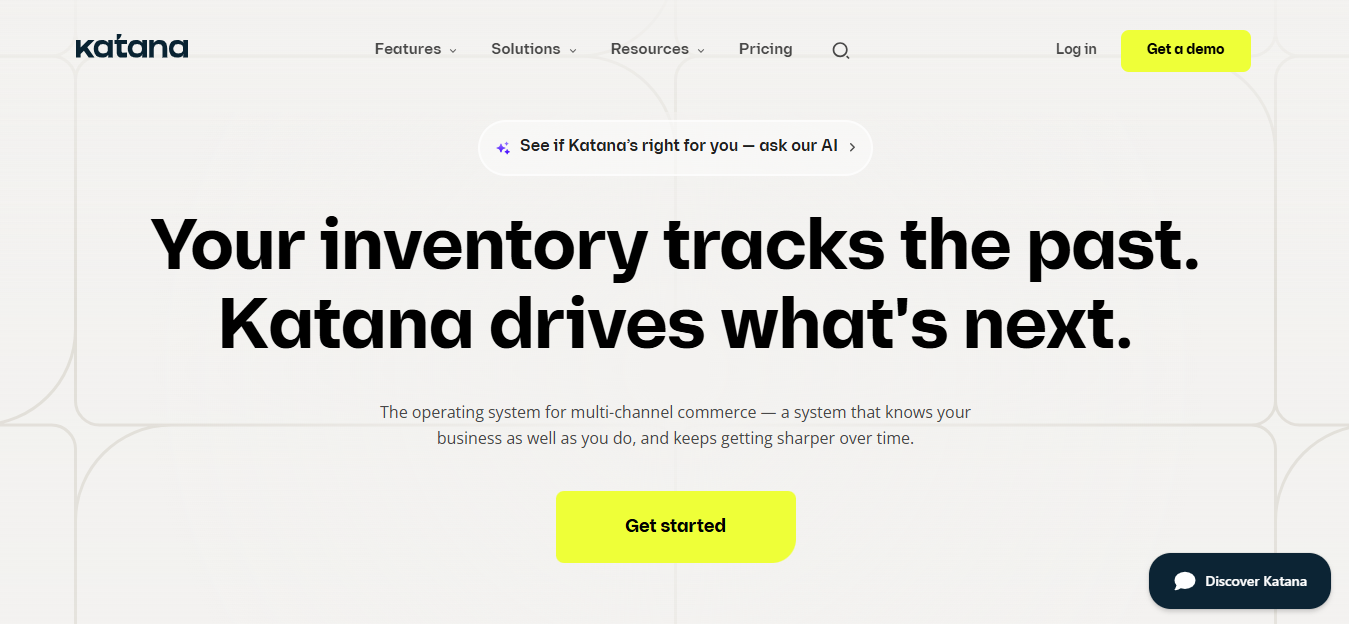
Katana Cloud Inventory, sometimes called Katana MRP and not to be confused with the Japanese sword, is a cloud-based inventory and manufacturing management tool built specifically for small product businesses. It connects inventory, production orders, and sales channels in one place, with native integrations for Shopify, WooCommerce, QuickBooks, and Xero that make it a natural fit for manufacturers selling direct-to-consumer alongside running a production floor.
What makes Katana stand out in this category is that its free tier is genuinely free, not a trial with a countdown clock. Businesses tracking up to 30 SKUs get unlimited users, unlimited integrations, and unlimited locations at no cost. The catch is that 30 SKUs is a real ceiling, and once a growing business crosses it, the next pricing step is not incremental. It’s a jump straight to $299/month, which is where most of the negative user feedback in the review base originates.
Pricing: the free tier requires no credit card. The paid Core plan starts at $299/month, with a Custom tier above that adding dedicated integrations, custom dashboards, and a dedicated solutions engineer (verified July 22, 2026).
Review: Katana carries a 4.6/5 rating on Capterra across 170 reviews. G2 data shows roughly 92% of its reviewers are small-business users. A February 2026 Capterra reviewer described the company enforcing “punitive order-based pricing” as their business scaled. A separate Software Advice review describes a six-year customer who switched away after repeated pricing-model changes, having found a cheaper and easier alternative.
Verdict: wins for small manufacturers selling through Shopify or WooCommerce who want inventory and e-commerce managed in one place. Loses once order volume outgrows the free tier and the $299/month jump arrives without warning.
3. Stocksmith (formerly Craftybase)
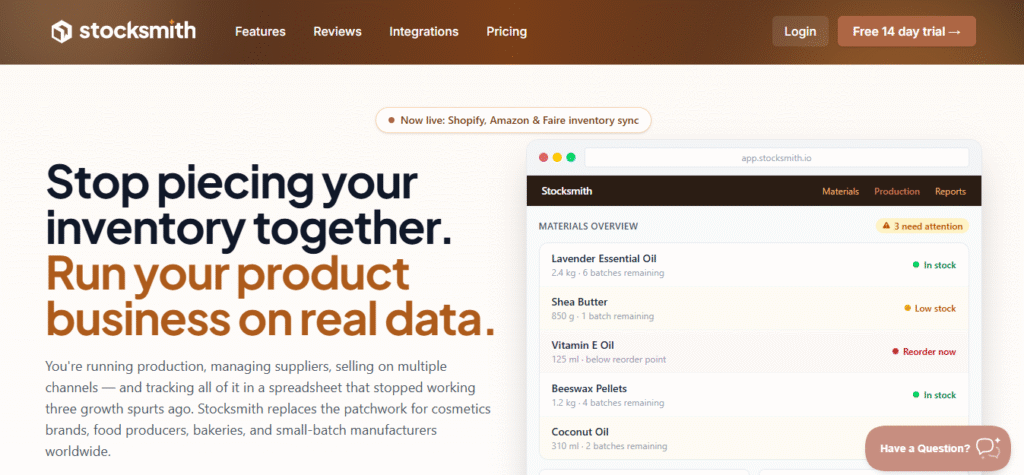
Stocksmith, previously known as Craftybase, is a production and inventory management tool built for small manufacturers who have outgrown single-user cost-tracking tools and need multi-user workflows, production scheduling, and automatic stock syncing across multiple sales channels. The same team built both products, and the rebrand reflects a broader expansion of what the platform now handles at scale.
Key features include bill of materials and recipe management, automated production assemblies, batch and lot tracking, traceability and compliance reports, and production scheduling from the Business tier upward. The Business tier adds Amazon integration and hourly sales channel imports. The Growth tier adds full QuickBooks inventory sync with priority support.
Pricing: $83/month (Indie tier, annual billing) for 1,000 order lines and unlimited users; $166/month (Business) for up to 5,000 order lines with automatic stock sync and Amazon integration; $291/month (Growth) for 5,000-plus order lines with QuickBooks inventory sync. Every plan includes a 14-day free trial, not a free-forever tier.
Review: Stocksmith carries a 4.6/5 rating on Capterra across 239 reviews, though this listing reflects the combined Craftybase and Stocksmith history rather than the rebranded product alone. Recurring positive themes are confidence in cost tracking, strong integrations, and responsive support. Recurring negatives include price sensitivity at lower order volumes and a learning curve during initial setup.
Verdict: wins for manufacturers who have outgrown spreadsheets and single-user tools and need real production scheduling across a growing team. Loses for very early-stage solo operators where a lighter, cheaper tool is the better fit.
4. MRPeasy
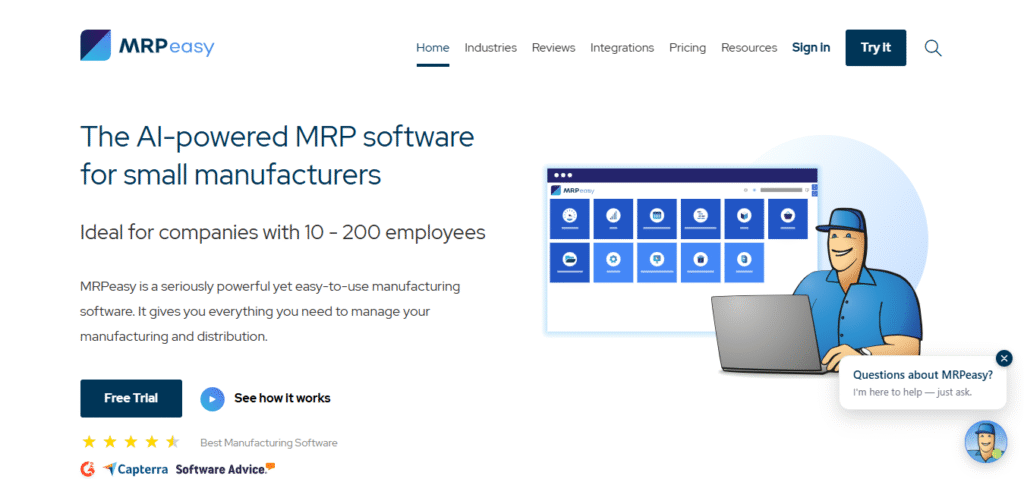
MRPeasy is a cloud-based MRP and production planning system aimed squarely at small manufacturers, and it consistently shows up in food and beverage, electronics, and light assembly manufacturing communities more than anywhere else. Its strongest selling point is traceability: lot tracking, batch management, and compliance reporting are baked into the core product rather than locked behind premium tiers. For manufacturers operating in a regulated environment where a food-safety or quality audit is a real possibility, that’s a meaningful advantage over more e-commerce-oriented tools like Katana.
Beyond traceability, MRPeasy covers production scheduling, bill of materials management, inventory control, and a full order-to-invoice workflow. It’s built to replace spreadsheets in a real production environment without requiring a developer or a lengthy implementation process. The limitation that appears most consistently in its reviews is accounting: the built-in accounting module is widely considered unreliable for serious financial management, which means most users run it alongside a dedicated accounting tool.
Pricing: four tiers from $49/user/month (Starter) to $149/user/month (Unlimited). No free tier, but a free trial with no credit card required.
Review: MRPeasy holds a 4.5/5 rating on Capterra across 157 reviews. G2 comparison data shows it scores lower than Katana on multichannel inventory syncing but performs closely on production scheduling. A Capterra reviewer in food manufacturing praised its cost-effectiveness and full order-to-invoice flow, but noted the accounting module wasn’t reliable enough to use as a standalone financial system.
Verdict: wins for lot-tracked, food-and-beverage or regulated small manufacturers who need traceability without a complex ERP setup. Loses if you want accounting handled inside the same tool.
5. inFlow Inventory
inFlow now operates as three separate products under the same brand: inFlow Inventory for wholesale and distribution, inFlow Manufacturing for businesses that assemble or produce goods, and inFlow Stockroom for internal consumables tracking. For small manufacturers, inFlow Manufacturing is the relevant product. It covers bill of materials, production assembly, labor and material cost tracking, and real-time visibility into what’s buildable based on current stock, all within a flat-rate pricing model that keeps costs predictable as a team grows. Unlike per-seat tools that get expensive as headcount increases, inFlow charges per plan rather than per user, which is a meaningful cost advantage for small shops adding team members.
Pricing: inFlow Manufacturing starts at $179/month on annual billing. A 14-day free trial is available with no credit card required. BOM creation, labor tracking, and material cost tracking are included in the base plan, not locked behind an add-on tier (verified July 25, 2026).
Review: inFlow holds a 4.6/5 rating on Capterra across 504 reviews. Capterra data shows 88% of its reviewers are small-business users. Recurring praise covers ease of use, fast setup, and customer support quality, with multiple reviewers describing going live across multiple locations within a single week. The most consistent criticism is that the QuickBooks integration is unreliable, with one reviewer describing it as “hopeless” and advising others not to attempt it.
Verdict: wins for small manufacturers who need BOM management, production assembly tracking, and material cost visibility in one flat-rate tool without per-seat fees. Loses if you only need basic inventory tracking without production workflows, where inFlow Inventory at $129/month is the lighter, cheaper option within the same brand.
6. JobBOSS² (for make-to-order job shops)
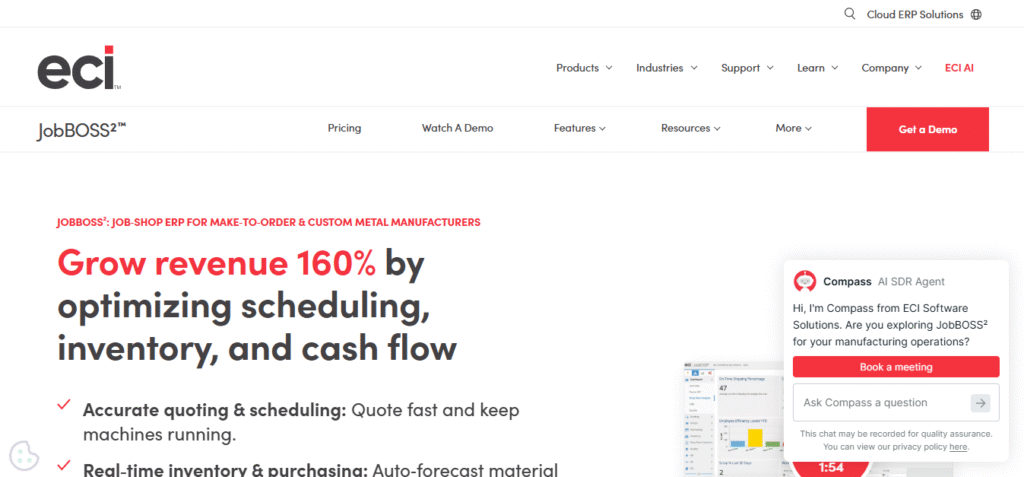
JobBOSS² is a job-shop ERP designed specifically for make-to-order and engineer-to-order manufacturers: machine shops, metal fabricators, custom part producers, and similar operations where every job starts with a quote and ends with a delivery, and no two jobs are the same. It manages the full workflow from estimating and quoting through job scheduling, production tracking, inventory, purchasing, and shipping, connecting each stage so a shop manager has a live view of every job’s status at any point in the production process.
Where most tools on this list are built around SKU-based inventory, JobBOSS² is built around individual jobs and work orders, which is the fundamental structural difference between job-shop manufacturing and product-line manufacturing. That makes it the right tool for shops that quote custom work, and the wrong tool for businesses producing the same repeatable product in volume. Google’s current AI Overview confirms it: JobBOSS² is the recommended pick for small-to-mid job shops and machine shops, typically under 100 employees.
Pricing: custom quote based on shop size and scope. Pricing is tailored to the specific scale and functionality required, per JobBOSS²’s own documentation.
Review: JobBOSS² holds a 4.2/5 rating on Capterra across 865 reviews, the largest review base of any tool on this list, consistent with it being the most established product here. Some long-tenured reviewers still refer to it by its earlier name, E2. Reviewers consistently highlight the estimating-to-shipping workflow as the standout feature. The most common criticism is that the accounting module is limited and some integrations require additional configuration.
Verdict: wins for shops quoting and building one-off or short-run jobs under roughly 100 employees. Loses for simple, repeatable product lines where the job-shop structure adds unnecessary complexity.
When do you actually need custom-built software instead?
Most small manufacturers don’t need custom-built software. They need a better-configured off-the-shelf tool. But there are four specific situations where no product on this list will solve the problem:
- Your production workflow is genuinely proprietary and doesn’t map onto standard MRP or ERP logic
- You have a legacy system that must stay in place and needs real-time integration
- You face a compliance requirement, aerospace, pharmaceutical, or defense-grade, that standard lot-tracking modules don’t cover
- You’ve outgrown tools like Katana and MRPeasy but enterprise ERPs like SAP are too rigid for your operation
If one of those applies, companies like Itransition, Geneca, and Epicor’s services division build bespoke ERP, MES, and QMS systems around workflows that off-the-shelf tools can’t configure around. McKinsey research shows predictive maintenance alone can cut machine downtime by 30 to 50 percent and extend equipment life by 20 to 40 percent, returns that only materialize at a scale and complexity level most small manufacturers haven’t reached yet.
The cost trade-off is straightforward. A custom build runs six to twelve months of development before anything goes live, plus open-ended maintenance costs with no subscription ceiling. A $299/month SaaS tool is a known, fixed expense. For any manufacturer under roughly $15M in revenue with a standard workflow, the tools on this list are the right starting point. Custom development is the answer to a problem you’ll know you have, not one to anticipate early.
Manufacturing software for small business: quick comparison
| Tool | Truly free option? | Starting price | Best for | Biggest limitation |
| Odoo Community | Yes (open-source) | $0 | Budget-conscious, technical teams | Requires self-hosting; no vendor support on free tier |
| Katana Cloud Inventory | Yes (up to 30 SKUs) | $299/month (paid tier) | E-commerce-integrated manufacturers | Hard pricing jump from free to $299/month |
| Stocksmith | No | $83/month | Growing, multi-user manufacturers | No free tier; costs scale fast with order volume |
| MRPeasy | No | $49/user/month | Food and beverage traceability | Accounting module needs pairing with QuickBooks |
| inFlow Manufacturing | No | $179/month (annual) | Small manufacturers needing BOM and assembly tracking | Separate product from inFlow Inventory; no monthly billing option shown |
| JobBOSS² | No | Custom quote | Make-to-order job shops | No public pricing; overkill for repeat-SKU production |
Common mistakes when picking manufacturing software for a small shop
- Confusing a free trial with a genuinely free tier
- Picking on entry-level price without checking pricing at your projected order volume
- Ignoring support cost when a tool is technically free
- Choosing a job-shop tool for repeat-SKU production, or vice versa
- Skipping the “when will I outgrow this” question until you already have
Conclusion
Most searches for custom manufacturing software resolve into the same answer: the need isn’t custom-built software, it’s the right off-the-shelf tool for the shop’s size and workflow. Odoo’s Community Edition costs nothing for teams comfortable self-hosting. Katana’s free tier suits e-commerce-integrated manufacturers up to 30 SKUs. MRPeasy earns its subscription for food and beverage traceability. inFlow Manufacturing’s flat-rate pricing makes it the predictable-cost option for growing teams who need production assembly and BOM tracking built in from the start. The deciding factor should be where order volume is headed in twelve months, not where it sits today, since that’s the number that determines which pricing tier actually applies.
Frequently asked questions
Is there truly free manufacturing software for small businesses?
Yes. Odoo’s Community Edition is free and open-source, and Katana offers a genuinely free plan for businesses with up to 30 SKUs, not just a time-limited trial. Odoo’s pricing page also lists a free tier, but that one covers only a single app.
What’s the difference between custom and off-the-shelf manufacturing software?
Off-the-shelf tools like Katana or MRPeasy are pre-built and configurable. Custom software is built from scratch around one company’s exact workflow, usually through a development agency.
How much does manufacturing software cost for a small business?
Entry tiers range from free (Odoo Community, Katana’s limited plan) to $179/month for inFlow Manufacturing, $49 to $149 per user per month for MRPeasy, and $83 to $291 per month for Stocksmith on annual billing. Custom-built solutions cost significantly more depending on scope.
Does Katana’s pricing really increase a lot as you grow?
Multiple users on G2 and Capterra report substantial price jumps, including what one reviewer called “punitive order-based pricing,” tied to order volume as their business scaled. Katana’s paid tier starts at $299/month once the free 30-SKU plan is outgrown.
What manufacturing software works best for food and beverage producers?
MRPeasy is frequently cited for its traceability and lot-control features, which matter directly for food-safety compliance.
Is Odoo good for a small manufacturer with no technical team?
It can work through the Community Edition, but several reviewers note support is harder to access without an Enterprise subscription, and implementation quality depends heavily on the third-party partner chosen.