
Instagram Stories disappear quickly, but Highlights don’t. They stay on a profile and usually represent the most important content someone wants you to see.
If you’ve ever checked a profile and thought “Can I view these highlights without interacting?” – you’re not alone.
And that’s where the idea of an Instagram highlight viewer comes in.
But before using one, it’s worth understanding what these tools actually do and what they don’t.
Why People Pay Attention to Highlights
Highlights are often more intentional than regular stories.
Instead of random posts, they’re usually organized into sections like:
- “Start Here”
- “Reviews”
- “How It Works”
- “Results”
For many accounts, highlights work like a quick introduction to what they offer.At that point, a common question comes up:
Is there a way to look at these without leaving a trace?
What Is an Instagram Highlight Viewer?
In simple terms, it’s a tool that lets you view someone’s Instagram Highlights outside the app.
Quick explanation
An Instagram highlight viewer shows highlights from public profiles, sometimes without requiring login. People mainly use it for browsing, research or checking content without directly engaging with the account.
That’s all it is.
There’s no “unlocking” of hidden data. If something isn’t public, these tools won’t show it.
Why Do People Actually Use These Tools?
It’s easy to assume it’s only about anonymity but that’s not the full picture.
People generally use it for things like:
Competitor research
What are others choosing to highlight? What’s pinned first?
Content planning
How are highlights structured; educational, promotional or storytelling?
Idea generation
You might notice patterns you wouldn’t otherwise pay attention to.A better way to think about it is this:
You’re not just viewing content, you’re trying to understand intent.
Can You View Highlights Without Being Seen?
This is where expectations often go wrong.
What generally works:
- Public profiles
- Basic viewing without logging in (depends on the tool)
What doesn’t:
- Private accounts
- Restricted or deleted content
- Full anonymity in every situation
Instagram itself doesn’t support anonymous viewing, so no tool can guarantee it 100%.
How These Tools Work (Nothing Fancy)
Most highlight viewers follow a very basic process:
- They pull public profile data
- They locate saved highlights
- They display them on their own interface
That’s it.
They don’t bypass security or access hidden content. They just show what’s already available, just in a different way.
Tools You Might Come Across
Some commonly mentioned tools include:
1. MollyGram
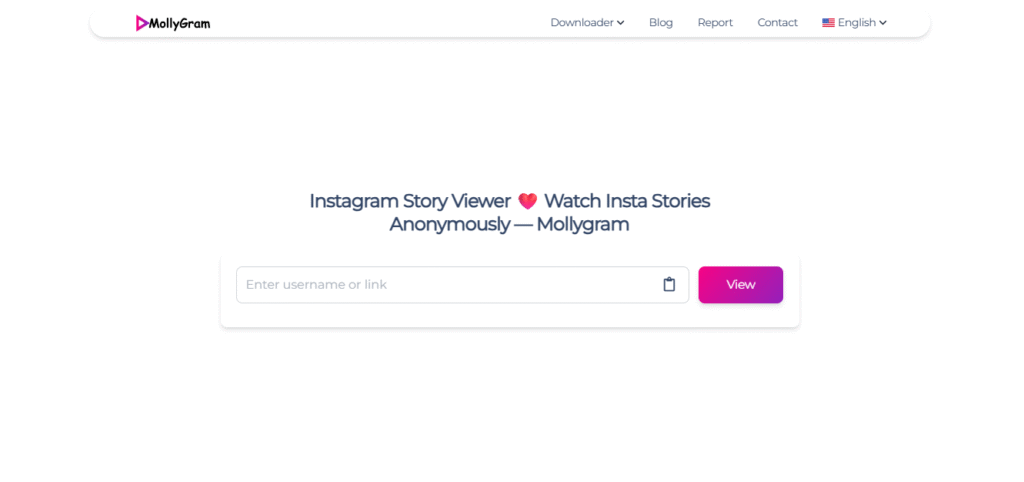
Simple and direct. You enter a username and view available content.
2. DolphinRadar
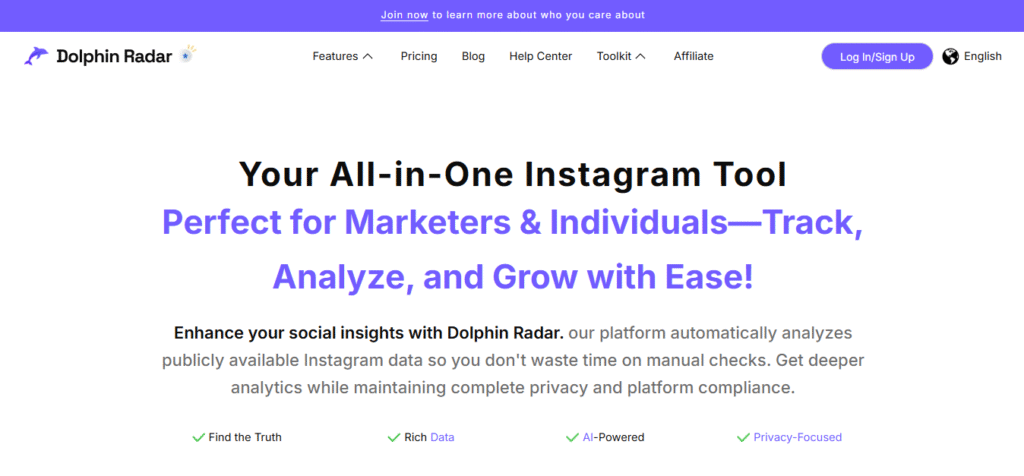
More focused on tracking and observation. Not limited to just highlights.
3. IGComment
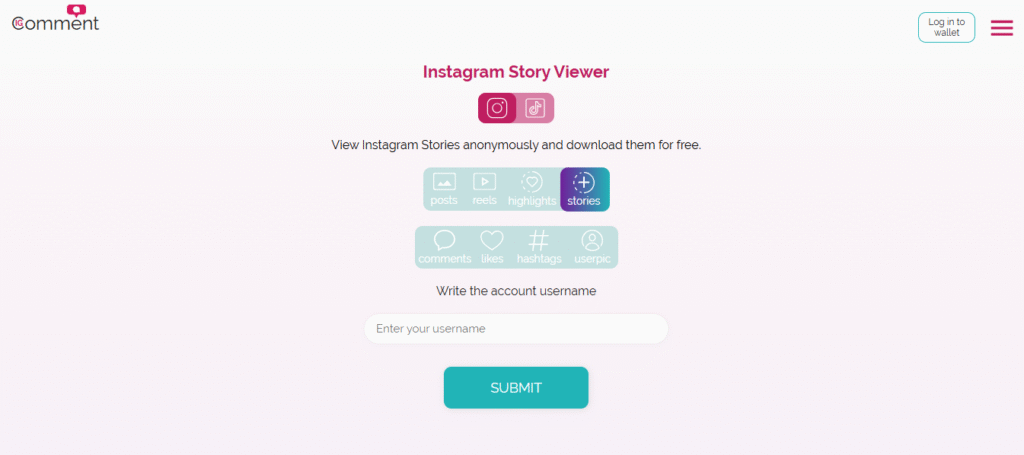
Offers multiple Instagram-related features in one place.
Where these tools are useful:
- Quick checks
- Light research
- Casual browsing
Where they fall short:
- No engagement data
- No deeper insights
- No access to private profiles
A Practical Way to Use Highlight Viewers
Instead of randomly opening profiles, try this approach:
1. Start with a purpose
Are you researching, or just browsing?
2. Check if the account is public
If it isn’t, stop there: these tools won’t help.
3. Choose your method
- Need quick viewing use a tool
- Need full context (Use Instagram)
4. Look for patterns
- What categories are used?
- What’s shown first?
- What message repeats?
5. Apply what you notice
Otherwise, it’s just passive scrolling.
A Real Example (How It’s Actually Used)
Let’s say you’re analyzing a SaaS brand.
Their highlights are:
- “Getting Started”
- “Customer Stories”
- “Tutorials”
Instead of just watching, ask:
- Why this order?
- What’s missing?
- What’s being emphasized?
That’s where the real value comes in.
Common Mistakes People Make
Expecting too much
These tools don’t give hidden insights.
Using them as the only source
They’re just one piece of the process.
Ignoring context
You don’t see clicks, conversions, or audience reactions.
Not taking notes
If you don’t capture insights, you won’t use them.
Limitations You Should Know
Before relying on any Instagram highlight viewer, keep this in mind:
- Only works for public accounts
- Content may not always be updated
- No performance metrics
- Tools can stop working anytime
Highlight Viewer vs Instagram (Quick View)
| Feature | Highlight Viewer | |
| Anonymous viewing | Sometimes | No |
| Private content | No | Yes (if allowed) |
| Engagement data | No | Yes |
| Reliability | Medium | High |
When You Shouldn’t Use These Tools
Skip them if:
- You need accurate analytics
- You’re running campaigns
- You want performance insights
- You’re making strategic decisions
In those cases, Instagram Insights or proper tools are a better option.
Final Thoughts
An Instagram highlight viewer can be useful, but only in the right context.
It helps you:
- observe content
- spot patterns
- get ideas
But it doesn’t replace:
- strategy
- analytics
- real audience understanding
FAQs
Is it safe to use an Instagram highlight viewer?
Generally yes, as long as you’re only viewing public content. It’s better to avoid tools that ask for login credentials.
Can someone tell if I viewed their highlights this way?
In many cases, no. But it’s not something you should rely on completely.
Do these tools work on private accounts?
No, they don’t.
Are these tools reliable over time?
Not always. They depend on how Instagram structures its data.
Should marketers depend on them?
They’re useful for observation, but not for decision-making.