
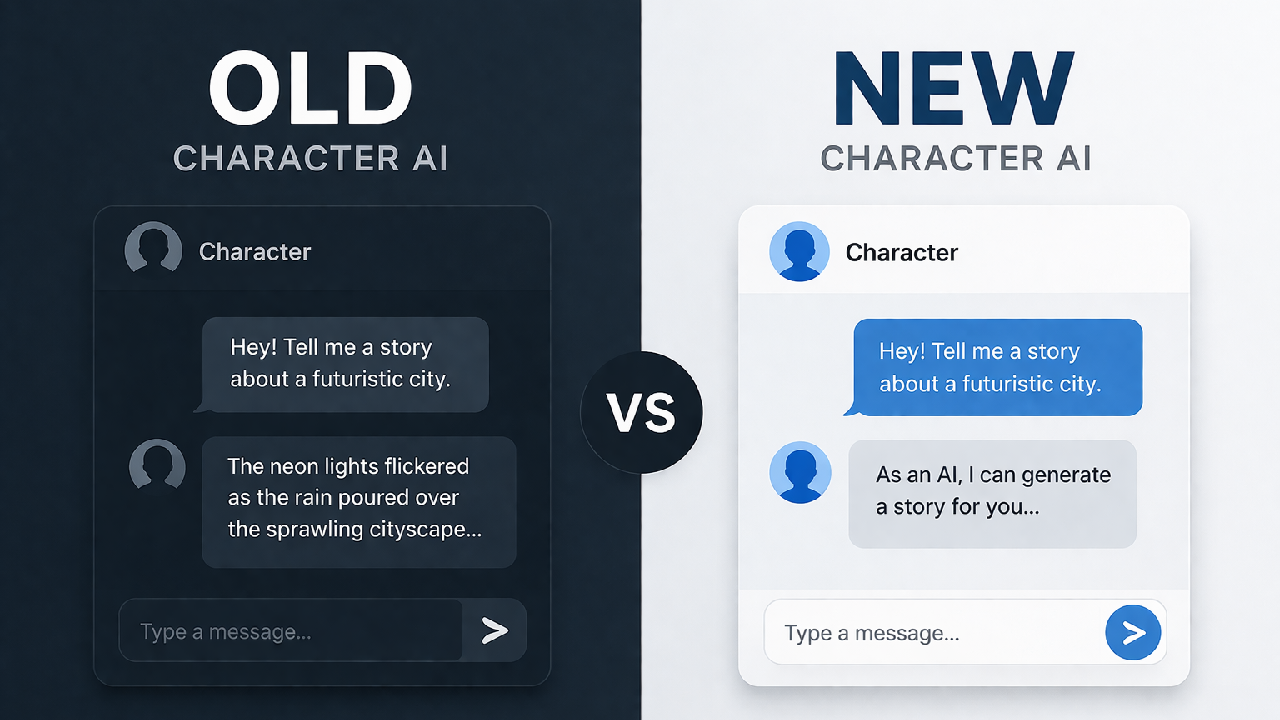
Search interest around “old Character AI” has been climbing steadily, and it’s not just nostalgia. Most people searching this phrase felt a real shift in how the platform responded, and they want to understand why it happened.
This article breaks down what actually changed, why it changed, and what you can realistically do about it.
What “Old Character AI” Actually Means
When people say “old Character AI,” they’re not referring to a separate downloadable version. They’re describing a behavioral experience – how the platform responded before a series of moderation and model updates rolled out between 2023 and 2025.
The term gets used loosely. Depending on who you ask, it can mean:
- Earlier chatbot behavior with fewer content restrictions
- More emotionally unpredictable, immersive responses
- A simpler interface before feature expansions
- Model outputs that felt less “filtered”
This distinction matters because you can’t download an older version and install it. What users are really trying to recreate is a specific type of conversation — and that’s a solvable problem, just not in the way most people think.
What Actually Changed And Why
This is the part most blogs skip. Character AI didn’t change arbitrarily. Here’s what happened and what drove each shift.
1. A Separate Model Was Built for Teen Users
Following a wrongful death lawsuit filed in October 2024 – which alleged the platform contributed to a 14-year-old boy’s death – Character AI developed a new model specifically for users under 18, designed to guide responses away from sensitive or suggestive content.
This is the single biggest reason adult users noticed a change. The platform wasn’t just updating filters, it was building a separate behavioral model for minors, which affected how conservative the overall system felt.
2. Input and Output Classifiers Were Added
Character AI introduced new classifiers on both the input and output side especially for teen users to block sensitive content. When the classifiers detect input language that violates terms, it filters it out of the conversation entirely.
This is different from the early approach, which was primarily keyword-based. The newer system tries to understand context, which means some creative or emotionally intense dialogue now gets caught even when there’s no harmful intent.
3. Users Can No Longer Edit Bot Responses
The company also restricted users from editing a bot’s responses – previously, if you edited a response, the bot would form subsequent replies by keeping those edits in mind.
This was a meaningful loss for experienced users. Editing responses was one of the primary ways people shaped long-running character interactions.
4. Time Limits and Interruptions Were Introduced
Character AI rolled out a notification when a user has spent an hour-long session on the platform, with plans to add more user flexibility around this in future updates.
By late 2025, the platform announced it would limit users under 18 to two hours of open-ended chats per day and eliminate open-ended conversations for minors by November 25, 2025.
For adult users, these interruptions can break immersion during long creative sessions.
5. Romantic and Persona Content Got Restricted for Minors
Character AI introduced changes to prevent minors from engaging in sexual dialogues with its chatbots in October 2024, and later announced it would eliminate open-ended chats for minors altogether, enforced through age assurance software.
Adult users aren’t affected by these specific restrictions, but the platform’s overall tone shifted as a result of these changes being implemented broadly.
Why This Matters Depending on How You Use It
The changes hit different user groups in different ways.
Creative writers and roleplay users feel it the most. Emotional depth, narrative freedom, and character consistency were directly affected by the new classifiers. Responses that previously carried tension or ambiguity now get redirected.
Casual users barely notice. If you’re using Character AI for light conversation, entertainment, or language practice, the experience is largely the same or better — faster, more stable, and cleaner.
Parents and educators see the changes as necessary. The safety updates were driven by real harm to real users, and the platform’s response, however delayed was a direct result of legal and public pressure.
Understanding which group you’re in helps you figure out what to actually do next.
Can You Access the Old Version? No, not in any reliable way.
There are no official archived versions. Unofficial methods – older cached pages, alternative endpoints may load old UI elements, but the underlying model is always the current one. You won’t recover old behavior this way.
The more useful question: can you recreate the experience with current tools? Partially, yes.
How to Get Better Responses From Current Character AI
These are practical approaches, not workarounds. They work within the platform’s current rules.
Write stronger character definitions
Vague character prompts produce vague responses. The more specific your character setup, the more consistent and immersive the output.
Instead of: “A mysterious character” Try: “A quiet, introspective character who speaks in short sentences, avoids direct answers, and often references past regrets without explaining them.”
The more behavioral detail you add upfront, the less the model defaults to generic safe responses.
Set context early and reinforce it
The platform’s January 2025 update introduced a Model Picker that lets users choose between models based on their needs — including “Prime,” described as a mix of speed and intelligence.
Use this. Choosing the right model for your use case changes the output quality significantly.
Stop restarting conversations
Experienced users build context over time. Each restart loses accumulated tone and character consistency. If a response feels off, try reframing the prompt within the same conversation rather than starting fresh.
Avoid triggering classifiers indirectly
Some users don’t realize their prompts are activating filters even when the content isn’t explicitly sensitive. Emotional intensity, certain narrative framings, or specific vocabulary can trigger the classifier’s pattern recognition. If responses keep getting redirected, the issue is often in how the prompt is worded, not what it’s asking for.
What doesn’t work
Trying to force the platform past its filters. This leads to timeouts, restricted access, or degraded responses. The classifiers are trained to detect attempts to bypass them, not just the content itself.
Where Character AI Still Works Well (And Where It Doesn’t)
Knowing this saves time.
Strong use cases:
- Character-driven fiction and dialogue
- Collaborative storytelling and worldbuilding
- Practicing conversation in a low-stakes environment
- Tone and voice experimentation for writers
Weak use cases:
- Factual research or accuracy-dependent content
- Professional writing (blog posts, reports, copy)
- Sustained long-form narrative without interruption
- Any use case that requires consistent memory across sessions
If you’re using Character AI for structured content production, you’re using the wrong tool. It doesn’t retain memory between conversations and isn’t designed for output you’d publish without significant editing. For structured writing, tools like ChatGPT are a better fit.
Old vs. Current Character AI: What Actually Differs
| Aspect | Old Experience | Current Experience |
| Content filtering | Basic keyword detection | Context-aware classifiers on input + output |
| Teen vs. adult model | Same model for all users | Separate model for users under 18 |
| Response editing | Users could edit bot replies | Editing bot responses is now restricted |
| Session limits | No interruptions | 60-minute session notifications; 2-hour limit for minors |
| Romantic content | Available to all users | Eliminated for minors; restricted for teens |
| Model choice | Single model | Model Picker available (Prime and others) |
The takeaway: the platform didn’t get worse overall. It got more restricted in specific areas, mostly those affecting younger users while adding features like model selection that actually improve control for adult users.
Reader Questions Worth Considering
- If you preferred the old experience for creative writing, have you tried adjusting your character definitions before concluding the platform changed?
- Are you on a teen-restricted account without realizing it? Age verification rollouts have affected some accounts.
- Have you tried the Model Picker to see if a different model produces responses closer to what you’re looking for?
- Are you restarting conversations too often, losing the context that made older interactions feel more immersive?
- Is Character AI actually the right tool for what you’re trying to do, or has your use case evolved beyond what it’s built for?
Final Thought: The Version Isn’t the Problem
Chasing an older version of Character AI is the wrong frame. The platform changed for documented reasons — legal pressure, safety concerns, and scale. Those changes aren’t being reversed.
What you can control is how you use the current version. Better character setup, the right model choice, and understanding what the classifiers respond to will get you further than any attempt to find an old cached page.
If the current platform genuinely doesn’t fit your use case anymore, that’s worth accepting — and it’s worth looking at other tools built specifically for creative writing or immersive roleplay.
FAQs
Is old Character AI still accessible?
Not officially. Any older links or cached pages still run on the current model, so behavior won’t match earlier versions regardless of which URL you use.
Why did Character AI get more restrictive?
The most significant trigger was a wrongful death lawsuit filed in October 2024, which alleged the platform contributed to a teenager’s death. This led to a dedicated safety model for minors and new input/output classifiers across the platform.
Can I replicate the old Character AI experience?
Partially. Stronger character definitions, better prompt framing, and using the Model Picker can get closer to the immersive experience older users remember — but it requires more deliberate setup than before.
Does Character AI work for business or content writing?
No. It’s a character simulation tool, not a content production tool. It has no persistent memory between sessions and isn’t designed for structured, publishable output.
What are the best alternatives if Character AI no longer fits your needs?
That depends on your use case. If you need creative writing assistance, tools like Sudowrite or Claude are better suited. If you specifically want roleplay with fewer restrictions for adult users, other platforms exist that are built with that use case in mind. The right alternative depends on whether your priority is narrative quality, character consistency, or content freedom.