
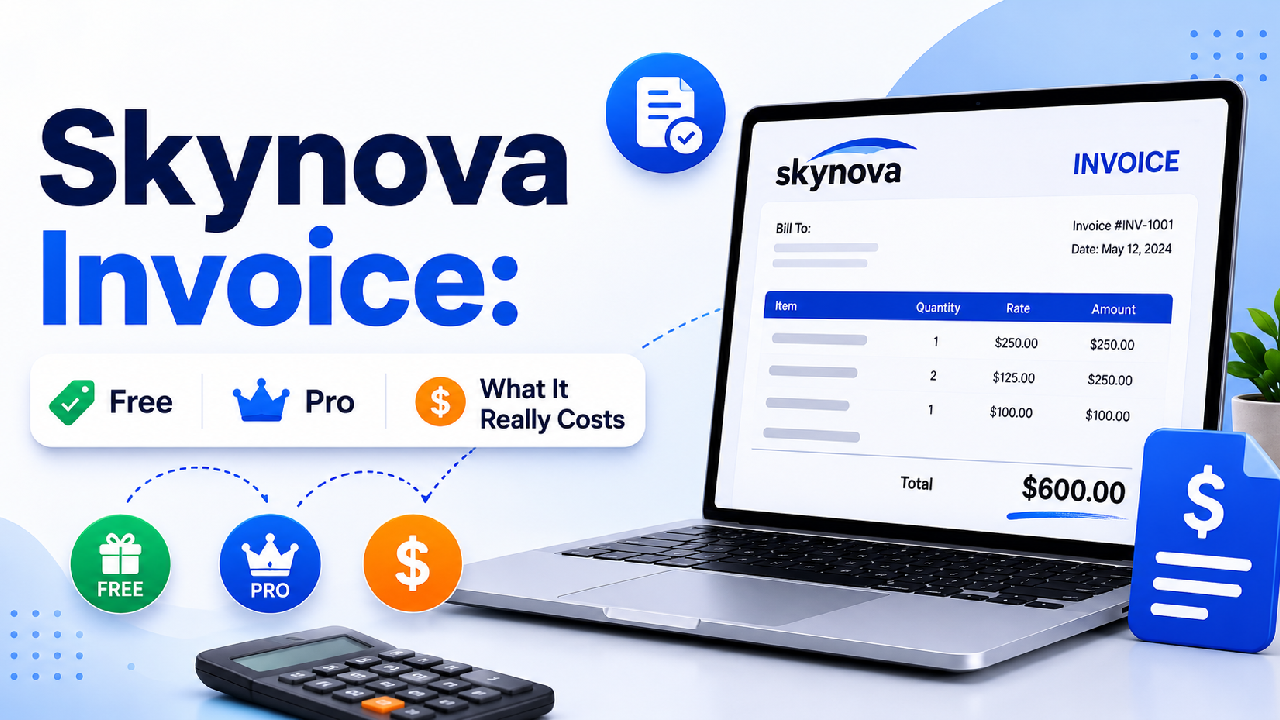
Most people who search for Skynova invoice expect one of two things: a free template they can download like a Word file, or a quick yes-or-no on whether the tool is worth paying for. Skynova fits neither expectation cleanly, and that’s exactly where the confusion starts.
So here’s the short answer up front. Skynova is an online invoice generator with three options: a free on-site template, a free account that adds tracking, and a $22-a-month Pro plan, not a downloadable template pack you edit in Word. Knowing which of those three you actually need is the whole game, and it’s the part that many articles skip.
Stick with me by the end, and you’ll know exactly which tier fits you and what to watch out for.
The biggest misconception about Skynova Invoice
When people type skynova invoice template free download, they usually picture a blank Word or Excel file landing in their downloads folder. That’s not how Skynova works.
Skynova’s free invoice template lives on its site as a fillable form. You type your details into the template at skynova.com/template/invoice, then save to print, download, or email the finished invoice as a PDF. The output is a completed invoice, not a reusable blank file you edit offline in Microsoft Office.
I know — not what you expected. But that distinction matters. If you want a document you can tweak forever without an internet connection, a spreadsheet template suits you better. If you’d rather fill a clean form and get a polished PDF in minutes, the Skynova generator is built for exactly that.
So, is the Skynova free invoice template actually free? Yes, for the basics. You can create and export a simple invoice at no cost. The moment you want extras, uploading your logo, saving customers, tracking who paid, you’re nudged toward an account. And that leads to the next thing nobody explains well.
The three ways to use Skynova
Here’s the part that saves you money. Think of Skynova as three tiers, not one product. Pick the right tier and you’ll never pay for things you don’t touch.
1. The no-account free template. Use the on-site form, fill it in, export a PDF. Good for a one-off invoice when you don’t want to sign up for anything.
2. The free Skynova account. This is where the skynova invoice login comes in. You log in at skynova.com after creating a free account, and you unlock a saved customer list, automatic invoice numbering, and the ability to see when a client opens your invoice. Skynova’s own help pages confirm the system autofills saved customer details and generates the next invoice number in sequence for you. The catch? A small Skynova watermark on your invoices.
A bit of history worth knowing: Skynova is the rebrand of Aynax.com, which changed over in August 2020. Accounts carried across at the time of the switch, which is also why some people still search “Aynax invoice” and land on Skynova today.
3. The Pro plan. A flat $22 a month that removes the watermark and unlocks the full feature set, with a 21-day trial. One caveat: sources disagree on whether extra users cost more; some list it as a flat rate, others as per-user, so if you’re adding seats, confirm team pricing directly before you sign up.
So which one are you? If you send a handful of invoices a month and don’t mind a tiny watermark, the free account is plenty. Pro mainly earns its keep when that watermark looks unprofessional to your clients, or you’re invoicing often enough that the saved-data conveniences pay for themselves.
Got your tier in mind? Good, now let’s talk about what Skynova can and can’t actually do.
What Skynova does well
For solo operators and small businesses, the appeal is simplicity. The interface is clean, the learning curve is short, and you can go from blank invoice to emailed PDF without reading a manual.
A few touches genuinely stand out. Recurring invoices can send themselves. Payment reminders fire automatically a few days after the due date. A standout feature is the real-time alert the moment a client opens an invoice, a small thing that quietly helps you get paid faster.
It also covers the practical basics well: industry-specific templates (service, repair, interior design, self-employed, and more), logo upload on paid tiers, PDF export, and direct email delivery to clients. For someone who just wants invoices out the door, that’s most of what matters.
But here’s where I have to be straight with you, because this is the part marketing pages leave out.
The limitations you should know before signing up
Three limits are worth weighing carefully, and one of them might be a dealbreaker for you.
Payments run through PayPal only. This is the big one. Skynova’s built-in online payment option is PayPal; there’s no Stripe, no Square, and no direct credit-card or ACH processing inside the platform. So if a client wants to pay by card and you don’t already run a separate Stripe or Square account, that’s friction Skynova won’t solve for you. One fair point in its favor: Skynova itself doesn’t add transaction fees, though PayPal still charges its normal merchant rates.
There’s no mobile app. Skynova is web-only. You can open it in a phone browser, sure, but there’s no dedicated iOS or Android app. Invoice mostly from your phone on job sites? Then this is a real constraint, and it’s the main reason mobile-first competitors position against it.
Multi-currency support is unclear. Here’s an honest one: one review claims Skynova handles multiple currencies, while dedicated invoicing-software reviews say it doesn’t. Because the platform’s own materials don’t confirm it, treat multi-currency as unverified. For U.S. freelancers billing in USD, this rarely matters, but if you invoice international clients in their own currency, confirm it directly before relying on it.
And one more thing that keeps coming up in user reviews: billing surprises. Several users report unexpected charges or price changes they say they weren’t clearly warned about. Does that make Skynova a scam? No. But it’s a strong reason to read the plan terms carefully, watch your trial end date, and keep an eye on the card you put on file.
So how does all this play out for a real person? Let’s run a few quick scenarios. These are made-up examples, not real customers, but they map to how the tool tends to land.
Who Skynova actually fits
A freelance designer sending three or four invoices a month. The free account is ideal here. You’d get clean PDFs, saved client info, and open-tracking, and the small watermark wouldn’t bother most clients. Cost: $0.
A small home-services business that takes card payments on-site. Skynova struggles in this case. With no app and PayPal-only processing, the owner would fight the tool daily. A mobile-first invoicing app with card processing fits far better.
A consultant who wants polished, watermark-free invoices carrying their own logo, plus recurring billing. Pro at $22 a month makes sense. Removing the Skynova watermark and the automation justify the flat fee for a solo user.
See the pattern? Skynova rewards light-to-moderate, desktop-based, USD invoicing and punishes mobile-heavy or card-dependent workflows.
Quick cost and feature snapshot
| Tier | Price (USD) | What you get | Main catch |
| Free template (no account) | $0 | Fill form, export one-off PDF | No saving, no tracking |
| Free account | $0 | Saved customers, auto numbering, open-tracking, PDF email | Skynova watermark |
| Pro | $22/month | All features, watermark removed, automation | PayPal-only payments; web-only |
Pricing verified June 2026. Skynova has a documented history of price changes, so check the current rate on its site before subscribing.
If card processing or a phone app is non-negotiable for you, a Skynova alternative built for mobile and multi-processor payments will serve you better, so let’s see how a few of them stack up.
How Skynova compares to the alternatives
Skynova’s limits, PayPal-only payments, no mobile app, and unconfirmed multi-currency are exactly where other tools pull ahead. Here’s how three popular options compare for a U.S. freelancer or small business.
| Tool | Starting price | Payments | Mobile app | Multi-currency | Best for |
| Skynova | $0 free / $22 mo Pro | PayPal only | No (web only) | Not confirmed | Simple desktop, USD invoicing |
| Wave | $0 invoicing | Card 2.9% + $0.60, ACH | Yes | Yes (160+ currencies) | Free invoicing + basic accounting |
| Zoho Invoice | $0 (single user) | Card via gateways | Yes | Yes, on the free plan | Budget freelancers, international clients |
| FreshBooks | $19–$23/mo (Lite, ~5 clients) | Card + ACH on all plans | Yes (strong) | Yes (Plus tier up) | Service businesses billing hourly |
A few honest reads on this.
If your main frustration with Skynova is the PayPal-only limit, Wave and Zoho Invoice both solve it for free, and both have real mobile apps. Wave throws in light accounting; Zoho Invoice’s free tier is unusually generous for a single user and includes multi-currency, handy if you bill clients abroad.
FreshBooks is the only paid pick here, and it earns the price differently, with built-in time tracking, a polished client portal, and card plus ACH on every plan. It suits service businesses billing by the hour more than someone who just needs a clean PDF. Heads up, though: several user reviews flag FreshBooks costs climbing over time through add-ons and per-user fees, so check the tier limits before committing.
So when does Skynova still win? When you invoice from a desktop, in U.S. dollars, and either don’t take card payments or already run a separate Stripe or Square account. Outside that lane, a free alternative like Wave or Zoho Invoice usually does more for less.
Final take
Skynova invoice is a clean, low-cost online invoice generator that’s genuinely good at one thing: getting simple, professional PDFs to clients fast, mostly from a desktop, mostly in U.S. dollars. The free account covers a surprising amount, and Pro is reasonable at a flat $22 a month if the watermark or automation matters to you.
Just go in clear-eyed: it’s a web generator, not a downloadable template; payments mean PayPal; and there’s no app. If that fits your workflow, here’s my honest advice: start with the free account before paying for anything. You’ll learn fast whether you ever need Pro.
And if you’re still weighing it up, the comparison table above lays out how Skynova stacks up against Wave, Zoho Invoice, and FreshBooks. Start there before you commit.
FAQs
Is Skynova invoice free?
Yes. Skynova has a free option, but it’s limited. You can create and export a basic invoice for free, and a free account adds saved customers, invoice tracking, and open alerts. Free invoices carry a small Skynova watermark, which only the $22-a-month Pro plan removes.
How do I log in to Skynova?
You log in at skynova.com using the email and password from your free or paid account. There’s no separate app login. Skynova is web-based, so you access everything through your browser after signing in.
How much does Skynova cost?
Skynova’s Pro plan is $22 per month, on top of a free $0 tier. A 21-day Pro trial is standard, so confirm your trial end date to avoid an unexpected charge, a complaint that appears in several user reviews.
Can I download a Skynova invoice template to edit in Word or Excel?
No. Skynova is an online generator, not a downloadable file. You fill out the template on its website and export the finished invoice as a PDF, rather than downloading a blank Word or Excel template to edit offline.
Does Skynova accept credit card payments?
Not directly inside the platform. Skynova’s only built-in payment processor is PayPal, with no native Stripe, Square, or direct card or ACH processing, so card payments require a separate account you connect yourself.
Skynova vs the best free alternative?
For most U.S. freelancers, a free alternative beats Skynova unless you specifically want Skynova’s simplicity. Wave is the strongest free option, with unlimited invoicing, a real mobile app, and built-in card processing at 2.9% + $0.60 per transaction, which solves Skynova’s PayPal-only and no-app limits at once. Zoho Invoice is the better pick for international billing, since its free plan includes multi-currency. Choose Skynova only if desktop, USD-only invoicing with a clean interface is all you need.
Is Skynova safe and legit?
Yes, Skynova is a legitimate, established invoicing service, not a scam. That said, several users report surprise charges or unclear price changes, so read the plan terms, track your trial dates, and monitor the card on file.
Is Aynax the same as Skynova?
Yes. Skynova is the current name for what used to be Aynax.com, which rebranded in August 2020. If you’re looking for an old Aynax invoice account or template, Skynova is where that service now lives. The two aren’t separate tools.