
You started evaluating Synthesia. You liked the avatar quality. Then you found out the custom avatar you actually want costs $1,000 per year on top of your subscription. That moment is why most people start looking for Synthesia alternatives.
The best Synthesia alternative depends entirely on what you are making. HeyGen wins for marketing and sales videos. Colossyan wins for training teams who need SCORM and LMS output. D-ID wins on price. Creatify wins for short-form ad content. No single tool replaces Synthesia across every use case, so this article routes you to the right one for your specific job and shows you how to get the most out of it once you are there.
Why people leave Synthesia (and what to consider before you switch)
Multiple G2 reviewers flag the same issue with Synthesia’s pricing structure: the jump between the Creator and Enterprise tiers leaves mid-sized teams without a practical middle option. The recurring advice from users who have been through it is to use preview mode before triggering a full render, since video credits can disappear faster than the pricing page implies.
Beyond credit burn, here are the four reasons teams actually switch:
- The Studio Avatar add-on costs $1,000 per year on top of your base plan. On Synthesia’s Creator tier at around $18/month annually, that is more than 4x the cost of the subscription itself.
- SCORM export is locked behind Enterprise. If you run L&D and need to publish to an LMS, you cannot do it on a standard plan.
- Content moderation delays affect regulated industries. Healthcare, biotech, and financial services users report waiting days for avatar content approval on Synthesia’s stock avatars.
- Synthesia was built for corporate training, not social media or UGC ads. If you need short-form TikTok or Reels-style content, the tool was simply not designed for that format.
Here is the honest counterpoint: if you need 140+ languages, enterprise-grade SOC2 compliance, or structured branching within Synthesia’s own ecosystem, the platform is still hard to beat. Switching has a real migration cost. Every existing video needs to be rebuilt from scratch in a new tool. If your current workflow is mostly working, a cheaper plan adjustment might serve you better than a full platform switch.
That said, if you have already decided to explore alternatives, the rest of this article gives you everything you need to pick the right one and use it well.
How to pick a Synthesia alternative without wasting a free trial
Before you sign up for the first tool with a compelling homepage, run through this five-point checklist:
- What does your input look like? If you are starting from a blank script, any avatar tool works. If you already have a blog post, webinar recording, or product URL, Pictory’s input-first workflow saves hours of setup.
- Where does your output need to go? LMS or SCORM output narrows your list immediately to Colossyan or Vidnoz (Business plan). Social ads point you to Creatify. Everything else fits HeyGen, D-ID, or VEED.
- Does avatar realism matter, or does delivery quality matter more? These are not the same thing. A highly realistic avatar with a wooden script sounds worse than a mid-tier avatar reading natural, well-paced copy.
- Do you understand what the free tier actually gives you? As of July 2026, every free plan in this list either watermarks your export, caps you at a very low monthly minute allowance, or both. There is no free tier that produces publish-ready, watermark-free, professional video at any meaningful volume.
- Is a per-credit model or a per-seat model better for your team size? Small teams with irregular video needs do better on credit-based plans. Larger teams producing video weekly should look at per-seat models with rollover credits.
At a glance: 7 Synthesia alternatives compared
| Tool | Best for | Free tier | Starting price (annual) | G2 rating |
| HeyGen | Marketing, sales, demos | 3 videos/mo, watermark | $24/mo | 4.8/5 |
| Colossyan | L&D, LMS, SCORM | Free plan (limited minutes) | $59/mo | 4.6/5 |
| D-ID | Budget, bulk API, talking-head | 14-day trial | $4.7/mo | 4.6/5 |
| Creatify | UGC ads, TikTok, Reels | Free trial, no credit card | $19/mo | 4.8/5 |
| Pictory | Blog/webinar to video | Free trial | $25/mo | 4.7/5 |
| VEED | Browser editing + avatars | Free (watermarked) | $12/mo | 4.6/5 |
| Vidnoz | High-volume free use | Free (watermarked, 0 credits/day) | $19.99/mo | 4.9/5 |
HeyGen: best overall for marketing and sales content
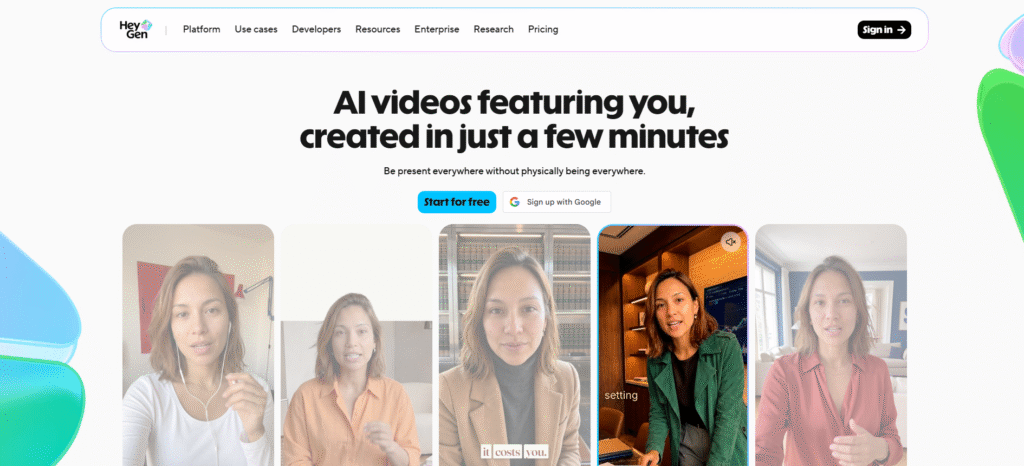
Verdict: If you are creating product demos, sales enablement videos, or marketing content, HeyGen is the closest thing to a direct Synthesia replacement. Avatar V produces digital twins that read as convincingly human in most marketing contexts. G2 users give it 4.8 out of 5 from over 1,841 reviews, making it the highest-rated tool on this list.
Pricing:
- Free: $0, 3 videos per month (up to 1 minute each), 1 Custom Digital Twin, 30+ languages, watermarked
- Creator: $24/mo billed annually ($29/mo monthly), 600 credits, 1080p, voice cloning, 175+ languages, watermark removal
- Pro: $41/mo billed annually ($49/mo monthly), 1,000 credits, 4K export
- Business: $119/mo billed annually ($149/mo monthly), 1,500 credits, 5 Custom Digital Twins, SAML/SSO
The free plan is genuinely the most functional entry point on this list. One custom digital twin slot is the same feature Synthesia charges $1,000 per year for.
Tips to get better results from HeyGen:
1. Record your avatar footage correctly. This is the one thing that determines whether your digital twin looks real or robotic. Use a 4K camera or a modern smartphone in cinematic mode. Position yourself 2 to 3 feet from the lens at direct eye level. Keep your background clean and neutral. When it comes to hand gestures, subtle closed-hand movements work best. Quick gestures confuse the motion model and produce artifacts in the final avatar. Per HeyGen’s official documentation, the 15-second reference clip is the most critical input in the entire Avatar V pipeline.
2. Know which avatar model to use. Avatar V is for real human digital twins. It takes your recorded footage and creates a responsive clone that mirrors your vocal cadence and expression. Avatar IV handles virtual, 2D, and photo-based avatars. If you are uploading a headshot photo rather than a video, Avatar IV is the right engine.
3. Use punctuation to control your avatar’s pace. The avatar reads your script rhythmically based on punctuation, not just semantics. A comma creates a short pause. A period creates a longer one. If your avatar sounds rushed or unnatural, the problem is almost always a script with long run-on sentences and too few commas. Rewrite for shorter sentences under 15 words each and your avatar delivery will improve noticeably.
4. Record a separate voice clone. Do not rely on the audio captured in your base avatar video for your voice clone. Record a dedicated voice sample in a quiet environment with a decent microphone. The quality difference in lip sync and tonal accuracy is significant enough that it is worth the extra 10 minutes of setup.
5. Always preview before you commit to a full render. HeyGen’s own community forum has multiple threads documenting renders stuck at 97% for hours, including an 11-second video that failed to complete after 3 hours. HeyGen’s official Help Center acknowledges the issue and recommends cancelling and resubmitting the job if a render stalls. The good news: cancelled or failed renders do not consume your credits. The preview function catches script errors and pacing issues before you trigger a full render and hit this problem.
6. Place your avatar in real-world environments. HeyGen’s Seedance 2.0 integration, released April 2026, lets you place an Avatar V digital twin in cinematic real-world settings like offices or outdoor locations instead of static backgrounds. For marketing content, this adds a layer of visual credibility that a plain backdrop cannot.
Where HeyGen loses: It is not built for training content that requires SCORM output, quizzes, or branching scenarios. If your LMS needs a packaged course file, HeyGen will not give it to you. And while enterprise security features exist on the Business tier, the compliance posture does not match Synthesia’s SOC2 certifications at scale.
Colossyan: best for training teams and L&D
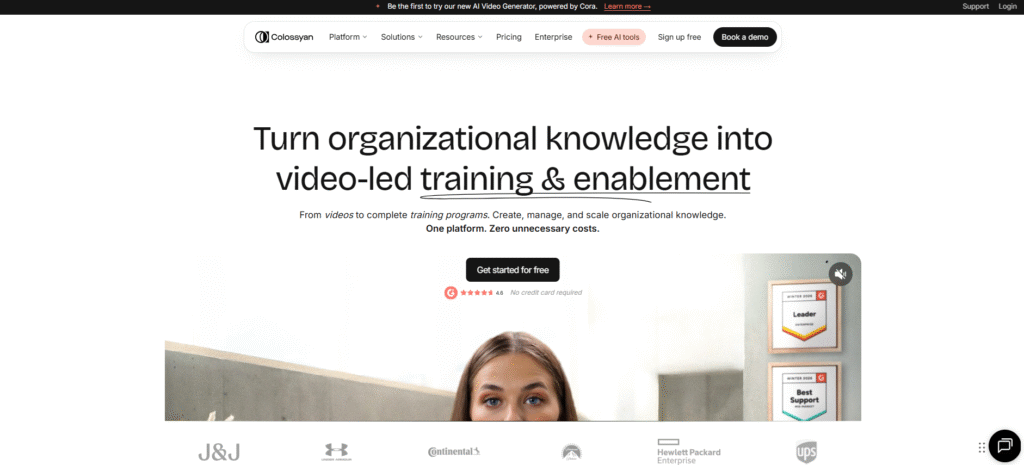
Verdict: Colossyan was designed from the ground up for workplace learning, not marketing. It is the only tool in this list that includes SCORM export, branching scenarios, and scored assessments on its standard paid plan. If your job is building training programs that live inside an LMS, this is where to look first.
The homepage tells you exactly what the product is: organizational knowledge into video-led training. Clients include J&J, Under Armour, Paramount, Continental, and Hewlett Packard Enterprise.
Pricing:
- Starter: Free (was $27/mo), 20 min/mo NEO avatar minutes, 15 custom avatars and 3 voices, 10 interactive videos per month, 15 auto translations, brand kits
- Professional: $59/mo billed annually ($89/mo monthly), 30 min NEO + 10 min NEO2, unlimited MP4 downloads, watermark removal, 5 SCORM exports per month
- Enterprise: Contact sales, unlimited minutes, no gated features
Tips to get better results from Colossyan:
1. Structure your build for LMS output from day one. SCORM export is available on the Professional plan without touching Enterprise. This is a meaningful difference from Synthesia, where SCORM is locked behind Enterprise pricing. Before you record a single avatar segment, map your module structure, quiz logic, and scoring thresholds. Rebuilding in Colossyan after the fact is painful.
2. Use branching scenarios for compliance training. Colossyan lets you build decision paths where a learner’s wrong answer leads them through the consequence before a quiz question appears. This works well for safety training, HR compliance modules, and any scenario where “show, don’t just tell” is important. Building it linearly wastes the tool’s biggest differentiator.
3. Keep individual avatar clips under 60 seconds. Colossyan’s avatar realism is solid but trails HeyGen and Synthesia on micro-expressions and subtle facial movement. Shorter clips reduce the chance that a viewer notices the subtle stiffness that comes through in longer monologue segments.
4. Edit individual scenes without re-rendering the whole video. This single feature solves one of the most frustrating parts of Synthesia’s workflow. When a stakeholder asks for a minor script change on slide 7 of a 20-slide course, Synthesia often requires a full rebuild. Colossyan lets you update individual scenes in isolation.
5. Healthcare, biotech, and financial services teams have fewer restrictions here. Synthesia applies content moderation reviews to its stock avatars for regulated industries, which creates delays. Colossyan does not apply the same restrictions to stock avatar use, which removes a real bottleneck for compliance training teams.
Where Colossyan loses: The avatar library and realism level are better suited for training content than for client-facing marketing or sales materials where production quality is the primary measure. It is also not the right tool for social content, UGC ads, or anything that needs to look like it was shot on location.
D-ID: best budget option and developer API
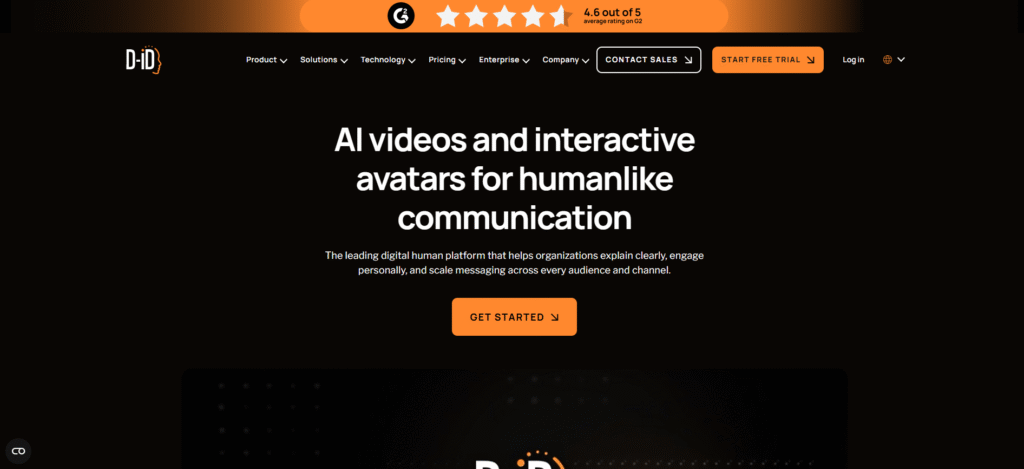
Verdict: D-ID is the cheapest way to get a talking-head avatar video from a static photo. At $4.7 per month on the annual Lite plan, it undercuts every other tool on this list. G2 users give it 4.6 out of 5. It also has the most developer-friendly API of any tool here, which makes it a serious option for teams that need bulk automated video rendering at low cost.
Pricing:
- Trial: $0, 14 days, 3 minutes total
- Lite: $4.7/mo annual ($5.9 monthly), 10 min/mo, D-ID watermark, photo and 2 video avatars, 3 agentic videos
- Pro: $16/mo annual ($29 monthly), 15 min/mo, 3 personal avatars, 1 voice clone, 5 agentic videos
- Advanced: $108/mo annual ($196 monthly), 100 min/mo, 5 personal avatars, 3 voice clones
Tips to get better results from D-ID:
1. Input photo quality determines output quality. D-ID generates avatars from static images, not recorded video. A low-resolution headshot, a photo taken at an angle, or a cropped image will produce poor lip sync and awkward movement in the output. Use a forward-facing, high-resolution photo taken in good lighting. The tool does the rest.
2. Keep scripts under 90 seconds per video. D-ID is a talking-head engine, not a full video production suite. There is no timeline editor, no scene layering, and no B-roll integration. Long scripts expose these limits quickly. For content longer than 90 seconds, break your script into segments and combine them in a separate tool.
3. Use the API for bulk personalized outreach. D-ID’s API is well-documented and straightforward for developers. If your use case involves sending personalized video messages at scale, such as outreach campaigns or onboarding sequences with name-level personalization, D-ID’s API workflow is significantly cheaper than paying per-seat on HeyGen or Colossyan. The Lite plan gives you API access from the first paid tier.
4. Pair D-ID with VEED or CapCut for post-production. D-ID outputs a talking-head clip. For anything that needs subtitles, B-roll, text overlays, or transitions, you need to take the rendered file into a separate editor. VEED handles this well and keeps you in the browser. CapCut is a strong free alternative for short-form social content.
Where D-ID loses: Avatar quality sits below HeyGen and Synthesia for marketing use cases where polish matters. There is no scene editing, no course structure, and no LMS output. It is a focused tool for a specific job.
Creatify: best for UGC ads and short-form social content
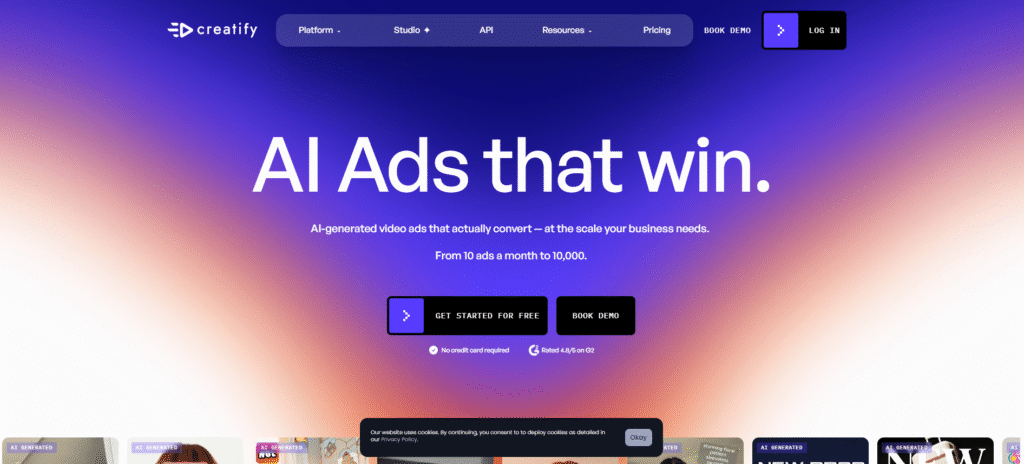
Verdict: Creatify is built for one thing: AI-generated video ads that work on TikTok, Reels, and Meta. The homepage says it plainly. It is rated 4.8 out of 5 on G2 and serves content that ranges from 10 ads per month to 10,000. Synthesia was never designed for this format. If short-form ad creative is your output, Creatify fits where Synthesia never did.
Pricing:
- Free trial available, no credit card required
- Starter: $19/mo annual ($39 monthly), 100 credits, 300 AI actors, 200+ templates, 75+ languages, watermark removal
- Pro: $49/mo annual ($99 monthly), 300 credits, 1,500 AI actors and 3 custom avatars, AI Media Buyer, competitor ad tracker with 10M+ Meta ad database
- Enterprise: Contact sales, white-label, 6+ seats
API plans are separate: API Starter $99/mo, API Pro $299/mo.
Tips to get better results from Creatify:
1. Start with your product URL, not a blank brief. Paste your Amazon listing, Shopify product page, or app store URL directly into Creatify. The tool pulls your product images, description, and key details automatically and builds an ad script around them. Running 3 to 5 variations from the same URL before choosing one takes minutes and consistently outperforms starting from scratch.
2. Choose casual-delivery AI actors for UGC content. Creatify has 300 to 1,500 AI actors depending on your plan. The polished corporate presenter avatars look wrong in a UGC-style ad. They read as advertisements immediately. For TikTok and Reels, choose actors with casual delivery, natural pacing, and environments that look like someone’s apartment or a coffee shop rather than a studio.
3. Keep ad length under 30 seconds. Creatify’s strength is short-form variation testing at volume. If you are producing a 3-minute explainer video, you are using the wrong tool. The platform is optimized for content where you test 5 versions, measure which hooks hold attention past 3 seconds, and iterate. The Pro plan’s competitor ad tracker, which pulls from over 10 million Meta ads, helps you understand what is working in your niche before you produce a single frame.
4. The AI Media Buyer feature is a Pro-only differentiator. This connects your ad creative directly to Meta, Google, TikTok, and AppsFlyer for performance tracking. If you are running paid social at any meaningful budget, the $49 per month annual plan pays for itself in optimization insights that a standalone creative tool would never give you.
Where Creatify loses: The moment your use case extends beyond social ads or short product explainers, you have outgrown the tool. There is no LMS output, no SCORM, no multilingual enterprise compliance, and no course authoring. It is a focused platform and intentionally so.
Pictory: best for turning existing content into video
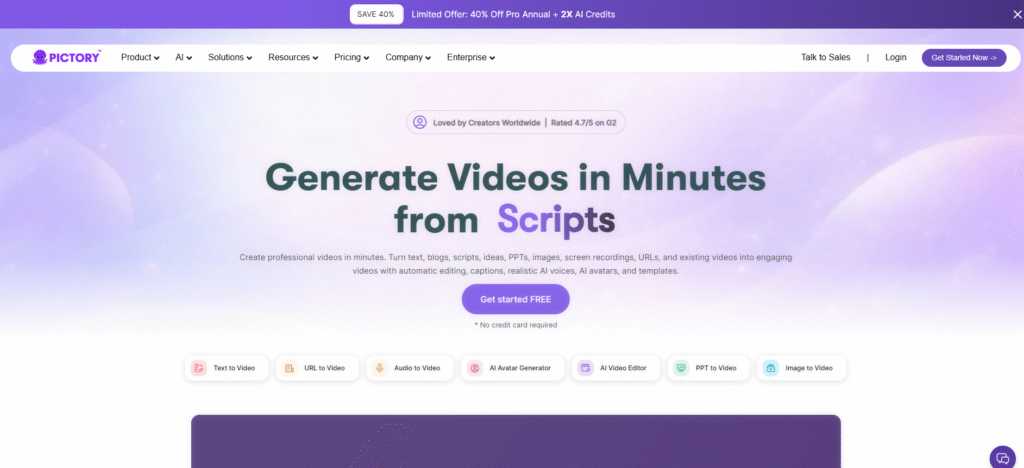
Verdict: Pictory is a different tool to everything else on this list. The other tools ask you to write a script and generate a video from it. Pictory asks: what existing content do you already have? It ingests blog posts, webinar recordings, audio files, PowerPoint slides, and URLs, then builds a video with captions, voiceover, and scene breaks automatically. Rated 4.7 out of 5 on G2.
If you are a content team sitting on a library of blog posts that get no traffic from search, Pictory turns them into video assets without requiring you to step in front of a camera or write a new word.
Pricing:
- Free trial (no credit card required)
- Starter: $25/mo annual ($29 monthly), 1 user, 200 video minutes, 5GB storage, 1 brand kit, 60 min ElevenLabs AI voices in 29 languages
- Professional: $35/mo annual ($59 monthly), 1 user, 600 video minutes, 20GB, 5 brand kits, unlimited standard voices, 120 min ElevenLabs voices
Note: The Professional annual plan bundles ElevenLabs AI voices, Getty Images, Storyblocks, and Unsplash access alongside 1,000 AI credits.
Tips to get better results from Pictory:
1. Use the URL input, not the text paste. When I checked how the URL-to-video workflow compares to pasting copied text, the URL input produces noticeably better scene segmentation. Pictory reads the semantic structure of a live page, including headings and section breaks, and uses that to split the video into logical scenes. Pasted text loses that structural context.
2. Manually audit your B-roll before you export. This is the most common complaint from Pictory users on G2 and Reddit. The AI selects stock footage automatically from Getty Images and Storyblocks, but on niche or technical topics, 30 to 50 percent of the clips are irrelevant or oddly literal. Budget 10 to 15 minutes after the first auto-generation to swap out clips that do not match your content. It is a predictable step in the workflow, not a flaw you can engineer around.
3. Lock your brand kit before your first video. Set your colors, fonts, logo, and intro/outro sequences in the brand kit before you touch any content. Every video you produce inherits these settings automatically. Without a brand kit, each video requires manual reformatting and even a small content library becomes inconsistent.
4. Pictory is a repurposing engine, not an avatar platform. If you need a human face delivering your content, Pictory does have an AI avatar generator. However, that is not the tool’s strength. For avatar-first video, the other tools on this list will serve you better. Pictory wins when the source content already exists and your job is to turn it into video without starting over.
Where Pictory loses: Avatar realism is not competitive with HeyGen or Colossyan. There are no quizzes, SCORM output, or branching scenarios. If your use case is building training content from scratch or creating marketing videos with a branded presenter, you are asking Pictory to do something it was not designed for.
VEED: best browser-based editor with avatar capabilities
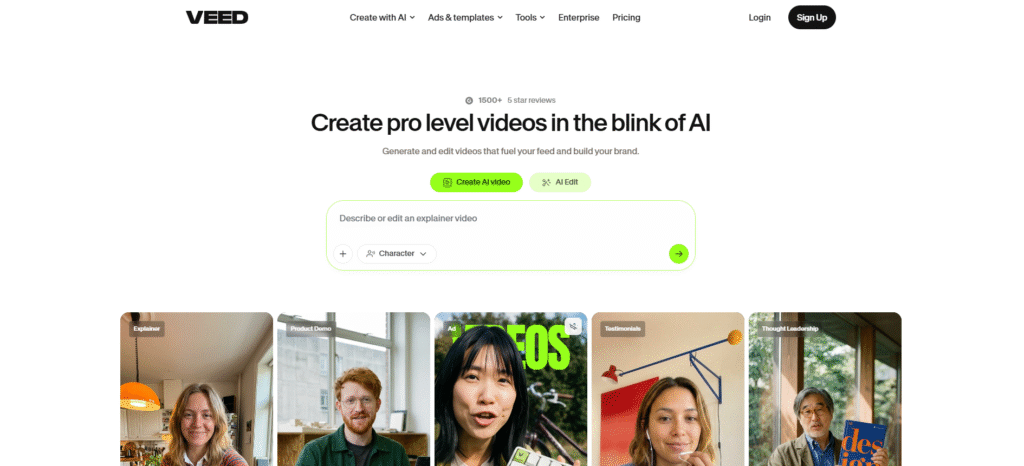
Verdict: VEED is the only tool in this list that genuinely combines real footage editing with AI avatar generation in a single browser interface. If you regularly work with a mix of recorded footage, screen captures, talking-head clips, and AI-generated avatar segments, VEED keeps it all in one place. Over 1,500 five-star reviews on G2 back up its reputation as the strongest browser-based editor in this category.
Pricing:
- Free: $0, core editing with watermark
- Basic: $12/mo annual, no watermark, auto subtitles, stock assets
- Pro: $25/mo annual, 4K export, AI tools, translation, avatar features
- Business: $59/mo per seat annual, multi-user collaboration, brand governance
Tips to get better results from VEED:
1. Use VEED as a post-production layer on top of other tools. VEED’s own avatar generation is functional but not its headline feature. The workflow that works best is rendering your avatar clip in HeyGen or D-ID, then importing that file into VEED for subtitles, resizing, B-roll layering, and social format adjustments. You get the avatar realism of a specialist tool and the editing flexibility of VEED without compromising on either.
2. Enable auto-subtitles on every video you publish. VEED’s auto-subtitle engine sits at 98% accuracy according to the platform’s own figures and third-party comparisons consistently put it among the best for a browser tool. Subtitles improve social media engagement and are a basic accessibility requirement for any professional video. Enabling them takes 30 seconds and skipping them costs you reach.
3. Use the social resizing feature before you export. VEED can reformat a 16:9 video into 9:16 portrait and 1:1 square in a few clicks, with auto-reframing to keep your subject centered. If you are distributing the same content to YouTube, Instagram Reels, and LinkedIn, this saves the step of re-editing for each format.
Where VEED loses: If maximum avatar realism is your main requirement, VEED is not the right primary tool. Enterprise-grade compliance and LMS output are also not part of its feature set. Think of VEED as the editor that makes the output from your other tools look better and reach further.
Vidnoz: best for high-volume free use
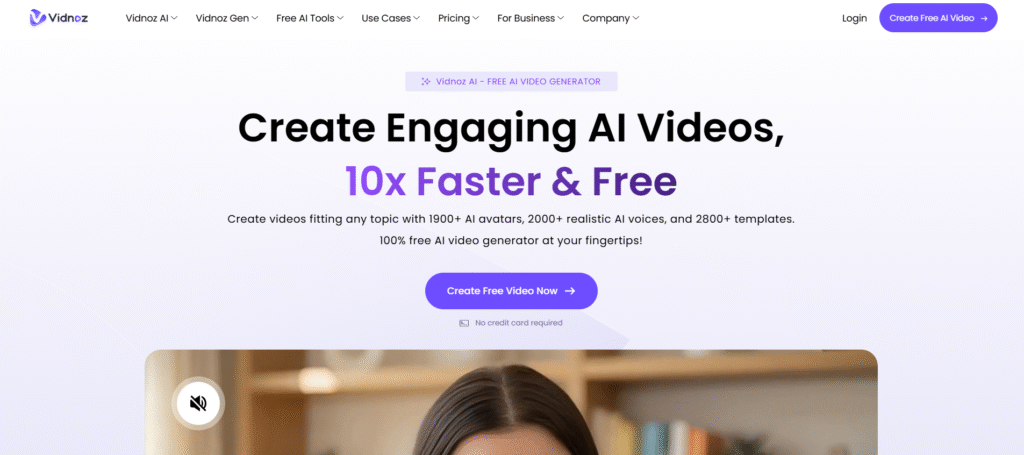
Verdict: Vidnoz is worth knowing about because it offers the most accessible free tier of any avatar video tool. The free plan includes access to 1,700+ AI avatars, 3,400+ video templates, and 890 voices, all at $0 with no credit card required. The catch is significant: the free plan gives you 0 credits per day, which means you can build and preview videos but cannot export them. The Starter plan at $19.99 per month annually gives you 450 credits per month and removes the watermark.
The platform recently launched Vidnoz Expressive Avatar, which generates avatars with natural emotions, expressions, gestures, and body language from a single photo input. This is a meaningful upgrade for a tool in this price range.
Pricing:
- Free: $0, 0 credits/day, 1,700+ avatars, 720p, watermark
- Starter: $19.99/mo monthly ($14.99 annually approx based on 25% off), 450 credits/mo, 1080p, no watermark
- Business: $74.99/mo monthly ($56.99 annually), 900 credits/mo, voice clone, brand kit, video translation, SCORM export
Tips to get better results from Vidnoz:
1. Use the free plan to prototype your scripts. The zero-credit free plan still gives you access to the full avatar library and preview function. Build your video, fine-tune your script, test different avatars and templates, and only export when you are satisfied. This stops you burning paid credits on early drafts.
2. The Expressive Avatar feature responds to script emotion cues. When writing scripts for Vidnoz Expressive Avatar, vary your sentence structure and emotional tone deliberately. The model reads emotional context and adjusts expression accordingly. Flat, monotone scripts produce flat avatars even with the Expressive engine enabled.
3. SCORM export is on the Business plan. If you are evaluating Vidnoz for L&D, confirm your plan before building your course structure. The Business plan at $56.99 per month annual gives you SCORM output alongside video translation and brand kit features.
Where Vidnoz loses: The Vidnoz AI plan free tier is technically free but practically unusable for production because 0 credits means 0 exports. Avatar quality on the standard tiers trails HeyGen and Colossyan. It is a solid budget-tier tool with a very large template library, but it does not compete on avatar realism.
Which tool should you actually pick?
No single tool replicates Synthesia across every use case. The question is which one matches your specific output.
| Your primary job | The right pick |
| Marketing videos, demos, sales enablement | HeyGen |
| Corporate training, LMS, SCORM output | Colossyan |
| Budget talking-head video or bulk API renders | D-ID |
| TikTok, Reels, or Meta ad creative | Creatify |
| Turning existing blog posts or recordings into video | Pictory |
| Editing real footage and AI clips in one browser tool | VEED |
| Prototyping scripts and testing avatars for free | Vidnoz |
The most common mistake when people switch from Synthesia is picking the tool with the most impressive homepage instead of the one that matches their actual output type. Spend 20 minutes with the free tier or trial of your top pick before committing to a paid plan. A tool that looks simple in a demo can feel completely different when you are halfway through building a real project and hit a wall you did not expect. Twenty minutes inside the actual product tells you more than any comparison article, including this one.
Final thought
The tools on this list cover every major use case that Synthesia serves, often at a lower price and sometimes with a better fit. The decision comes down to your output type: training content goes to Colossyan, marketing content goes to HeyGen, social ads go to Creatify, and existing content repurposing goes to Pictory.
If you are still working out which category fits your workflow, check out our guide to the best AI video generation tools on TheDiscoverAI for a broader look at how these platforms fit into the larger AI video landscape.
Frequently asked questions
What is the best free alternative to Synthesia?
HeyGen offers the most functional free tier. You get 3 videos per month (up to 1 minute each) and 1 Custom Digital Twin, which is the same feature Synthesia charges $1,000 per year for. Vidnoz has a free plan with 1,700+ avatars, but the 0-credits-per-day limit means you cannot export without upgrading. Every free tier on this list watermarks its output.
Is HeyGen better than Synthesia?
For marketing, sales, and social video, yes. HeyGen’s Avatar V produces more natural delivery for presenter-style content, and the Creator plan at $24 per month annually costs less than Synthesia’s entry tier. For enterprise L&D with SCORM requirements, compliance auditing, or 140+ language coverage at scale, Synthesia still has the advantage. The answer depends on your output, not a universal ranking.
What is the cheapest Synthesia alternative?
D-ID’s Lite plan costs $4.7 per month billed annually, which is the lowest paid price point of any tool in this list. It covers basic talking-head video from a photo input. VEED Basic at $12 per month annual is next, though that is primarily an editing tool with avatar capabilities as a secondary feature.
Which alternative is best for training and LMS content?
Colossyan. It includes branching scenarios, quizzes, scored assessments, and SCORM export on its Professional plan at $59 per month annually. It does not require you to pay enterprise pricing to publish to an LMS, which is a real advantage over Synthesia’s tier structure.
Is there an open-source Synthesia alternative?
Not in any production-ready form. Research projects like SadTalker and Wav2Lip exist but require significant engineering effort and produce noticeably lower quality lip sync and voice output than any commercial option on this list. For most teams, the free tier of a commercial tool is a more practical starting point than a self-hosted research demo.
How do I make AI avatar videos look less robotic?
Write shorter sentences. Under 15 words per sentence gives the avatar natural places to breathe. Use commas and periods as pacing tools, not just grammar. Cast your avatar to match the tone of your content rather than just your brand colors. For custom avatars on HeyGen or Colossyan, record with genuine energy rather than reading flatly off a teleprompter. The model replicates whatever you bring to the source footage.
Can I switch from Synthesia to HeyGen without losing my existing videos?
Your existing Synthesia videos are not transferable. Export all published videos as MP4 files before you cancel your subscription. Scripts, brand assets, and voiceover files can be migrated manually. The avatar itself cannot be ported. If you built a custom Studio Avatar in Synthesia, you will need to record a new one in HeyGen.