

What is Gumloop?
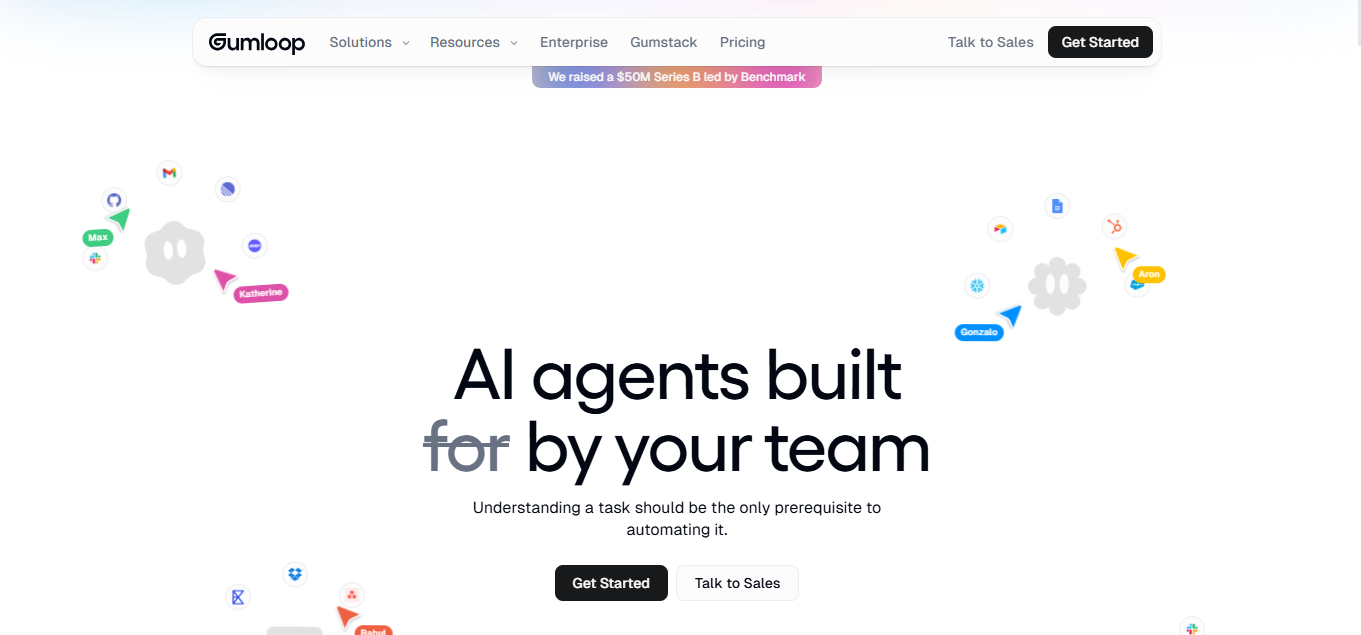
Gumloop is a no-code platform that lets non-technical employees build AI agents to automate repetitive, cross-app tasks. It connects to the tools your team already uses: Slack, Gmail, Salesforce, and more: and lets anyone on your team build a working agent from a visual canvas, without writing a single line of code. Marketing, ops, and support teams use it to replace manual work like lead enrichment, weekly reporting, and ticket triage.
Key Features
- Visual drag-and-drop canvas: build multi-step AI agents by connecting nodes, with no coding required.
- Native browser automation engine: agents load, scroll, click, and extract data directly from live websites.
- Model-agnostic AI nodes: route steps across OpenAI, Anthropic, Gemini, and open-source models, with no vendor lock-in.
- 100+ native integrations: connects directly to Slack, Gmail, Salesforce, HubSpot, and Google Workspace.
- Enterprise-grade security: SOC 2 Type II and GDPR compliant, with Zero Data Retention and SSO/SCIM support.
- Agent deployment into everyday tools: agents run inside Slack, Teams, and Gmail, so employees can message an agent like a co-worker.
Pricing
| Plan | Price | Credits/Month | Seats | Concurrent Runs | Concurrent Agent Interactions | Key Inclusions |
| Free | $0 | 5,000 | 1 | 2 | 5 | 1 active trigger, unlimited agents/flows, forum support |
| Pro | $37/month | 20,000+ | Unlimited | 5 | 25 | Unlimited teams, unified billing, 1 hosted MCP server, connector guardrails |
| Enterprise | Custom | Custom | Unlimited | Custom | Custom | RBAC, SCIM/SAML, audit logs, VPC, 5 hosted MCP servers, Gumstack (optional) |
Credit consumption scales with model choice and workflow complexity: roughly 2 credits per standard AI call, up to 30 for top-tier “Expert” models, based on third-party testing by DataCamp, as Gumloop does not publish per-action credit costs officially. Real-world cost depends on which models and how many AI/browser-automation steps a workflow uses, not a flat per-task rate. Verify current rates at gumloop.com/pricing, as third-party figures elsewhere online are frequently outdated.
How It’s Typically Used
- Spot the task: you identify a manual, repetitive task you perform by hand, such as lead enrichment, weekly reporting, or ticket triage.
- Set the trigger and input: you add a trigger (manual, scheduled, webhook, or a Slack/email mention) and supply the starting input, like a URL, file, or form submission.
- Build the flow: you drag nodes onto the canvas: a scraper, an “Ask AI” node, an enrichment node: and connect them, optionally nesting reusable Subflows.
- Get the output: the agent produces a structured result: an email, a Slack message, a Google Sheets row, a CRM update, or a generated report.
- Put it to work: the output lands directly in the tool your team already uses (Slack, Teams, Gmail, CRM) or triggers a downstream approval step.
Pros & Cons
Pros
- Reviewers call the drag-and-drop canvas more polished than Zapier or n8n.
- Model-agnostic nodes let you route tasks across OpenAI, Anthropic, and Gemini freely.
- G2 reviewers praise fast, hands-on support for troubleshooting setup issues.
- SOC 2 Type II and GDPR compliance suit enterprise security requirements.
- BYOK support removes Gumloop’s markup on model calls, cutting AI costs.
Cons
- Credit costs are unpredictable; AI-heavy workflows can burn a month’s allotment fast.
- Only 100+ native integrations, far fewer than Zapier’s several thousand.
- Highly branched, complex automations are harder to build than in n8n.
- Credits do not roll over between months; unused allowance is lost at the end of each billing cycle.
- Engineering teams wanting self-hosted control and flat billing should avoid Gumloop entirely.
Who It’s For
Best fit: Non-technical ops, marketing, or GTM teams at funded startups needing fast AI-native automation.
Limited fit: Teams needing large integration libraries or complex branching logic find the connector count and complexity ceiling constraining.
Should avoid: Engineering teams wanting self-hosted control and predictable, non-credit billing. n8n suits that need better.
Is It Worth It?
Gumloop is worth it if you’re on a marketing, sales, or ops team at a funded startup and want non-engineers building AI-native, cross-app agents quickly, without waiting on an engineering backlog.
It’s not worth it if you’re a solo user or small team with simple, low-volume needs, like moving a form entry into Slack. Zapier’s free tier or Make’s Core plan costs less and needs no learning curve.
Alternatives
Teams comparing Gumloop typically evaluate n8n, Zapier, and Make.com: each serving a different technical skill level, team size, or automation need.
| Tool | Core Strength | Best Use Case | Starting Price | Key Limitation |
| Gumloop | AI-native agent builder with model-agnostic nodes and browser automation | Non-technical teams building AI agents fast | $37/mo (Pro) | Credit costs unpredictable; fewer integrations than legacy competitors |
| n8n | Open-source, self-hostable, full developer control | Technical teams building custom, infrastructure-heavy workflows | $24/mo (Starter, cloud); free self-hosted option | Requires technical setup/maintenance; cloud executions limited |
| Zapier | 9,000+ app integration library, established reliability | Teams needing broad, simple app-to-app connections | $19.99/mo (Professional, annual) | Task-based pricing gets costly for AI-heavy workflows |
| Make.com | Lower entry price, 3,000+ apps, strong visual branching | Budget-conscious teams needing conditional automations | ~$9–$12/mo (Core, annual) | Less AI-native; credit use multiplies with iterators/routers |
FAQs
How much does Gumloop cost?
Gumloop’s free plan includes 5,000 credits per month, and Pro starts at $37/month for 20,000+ credits. Enterprise pricing is custom.
Is Gumloop secure enough for enterprise use?
Yes. Gumloop is SOC 2 Type II and GDPR compliant, with Zero Data Retention agreements, SSO/SCIM, and VPC deployment options. Its Gumstack product adds dedicated audit logging for AI agent activity.
How does Gumloop’s credit system work?
Every workflow action consumes credits, with AI model calls tiered by cost: about 2 credits for standard models up to 30 for top-tier models. Cost depends on workflow complexity, not a flat rate.
Which team size fits Gumloop best compared to its alternatives?
Gumloop suits small-to-mid teams at funded startups that want non-engineers building agents themselves. n8n fits larger technical teams, while Zapier fits teams of any size prioritizing app coverage over AI reasoning.
What is the difference between Gumloop and Zapier?
Gumloop is AI-native with built-in reasoning and browser-automation nodes, while Zapier offers a far larger integration library with task-based pricing. Zapier suits simple, structured automations better than AI-heavy ones.