

What is Sintra AI?
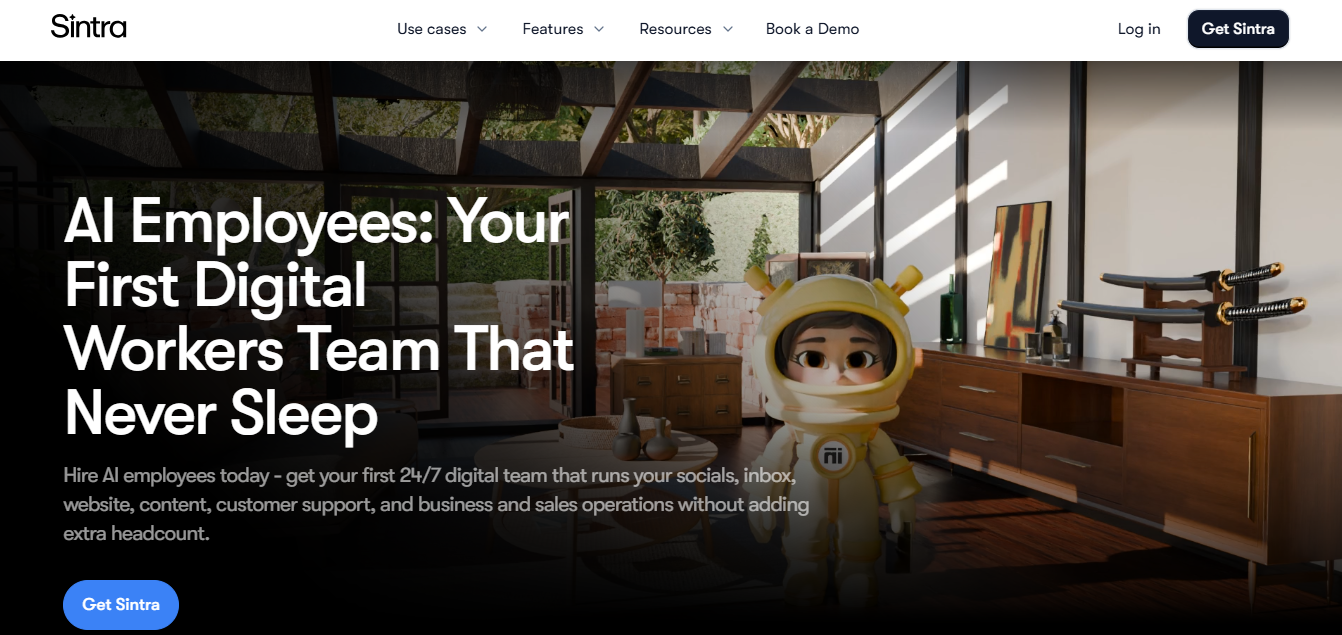
Sintra AI is a business automation platform built around 12 role-based AI helpers that draft work across marketing, support, and sales. It replaces hiring multiple specialists by giving each helper shared access to Brain AI, which stores your brand voice and business context. You can chat with a helper to produce a social media post.
Key Features
- 12 named AI helpers (Soshie, Cassie, Seomi, Milli, and 8 more) each handle one business function: social, support, SEO, or sales, instead of one generic assistant
- Brain AI stores your brand voice, documents, and a built-in CRM so all 12 helpers stay consistent without re-briefing across sessions
- Team Chat (beta) lets a “Team Leader” agent coordinate multiple helpers on a single request, available on workspace plans only
- 960+ app connections (per help center) link Shopify, Stripe, QuickBooks, Gmail, and Slack directly into helper workflows
- 20 workspaces let you run up to 20 separate businesses, each with its own Brain AI, integrations, and isolated billing
Pricing
| 1-month plan | $97/mo | $48.50/mo | Monthly |
| 3-month plan | $59/mo | $23.60/mo | $70.80/quarter |
| 12-month plan | $52/mo | $15.60/mo | $187.20/year |
All three plans include: all 12 helpers, 250 monthly credits, 15+ integrations, 24/7 support, and a 14-day money-back guarantee.
How It’s Typically Used
Step 1: Set up your business context
Create a business profile and upload brand documents, tone-of-voice guidelines, and any reference files directly into Brain AI.
Step 2: Connect your tools
Link the integrations your task needs: a Shopify store, Gmail inbox, or social account, from the 960+ available apps.
Step 3: Open a specific helper and generate a draft
Open the helper built for your task (Soshie for social, Seomi for SEO, Cassie for support) and either chat directly or trigger a one-click “Use Case.”
Step 4: Review the output
The helper returns a draft in chat: a social caption, SEO audit, job description, or structured output like a balance sheet.
Step 5: Execute or export
Approve the draft for native scheduling where supported, or copy it out to an external tool. Several 2026 reviews note most helpers stop short of direct execution outside the platform.
Pros & Cons
Pros
- Fast onboarding gets non-technical founders a working “AI team” in minutes
- Brain AI remembers brand voice so you don’t re-explain yourself each session
- One subscription replaces piecing together several single-purpose content and support tools
- 12 role-based helpers cover a wide range of business functions in one place
- A 14-day money-back guarantee gives you a risk-free trial window
Cons
- No free plan exists; only the 14-day refund window limits your risk
- 250 monthly credits reset with no rollover, capping heavy usage quickly
- Reviews describe a “drafts, not action” gap; you often execute outputs manually
- Users report “unlimited” plans converted to metered credits without clear notice
- High-volume, single-function teams should avoid it and use a focused tool instead
Who It’s For
Best fit: non-technical solo founders needing broad, light drafting help across many functions (marketing, support, SEO, admin) in one subscription
Limited fit: teams needing one function deeply; you’ll hit the 250-credit monthly cap within days
Should avoid: technical teams needing agents that act directly inside external systems without manual copy-paste
Is It Worth It?
Sintra AI is worth it if you’re a non-technical solo founder or very small team wanting broad, light-touch drafting help across social, email, support, and SEO without adding headcount, and you stay within light-to-moderate monthly usage.
It’s not worth it if you run one high-volume, mission-critical function, like a busy support inbox or daily content pipeline. You’ll likely hit the 250-credit ceiling within days and get better results from a focused, single-purpose tool.
Alternatives
If Sintra AI doesn’t fit your workflow or budget, Lindy AI, Marblism, Relevance AI, and ChatGPT Plus are the most compared alternatives; each built around a different approach to AI-assisted business work.
| Tool | Core Strength | Best Use Case | Starting Price | Key Limitation |
| Sintra AI | Sintra AI 12 role-based helpers sharing one brand-context memory | Broad, light drafting across many business functions | $15.60/mo (billed annually) | 250 monthly credits with no rollover |
| Lindy AI | True no-code workflow automation with cross-app actions | Multi-step tasks executed across tools with approval gates | $49.99/mo | No shared context layer across workflows |
| Marblism | Flat pricing with no per-task credit meter | Teams wanting an “AI team” without a credit ceiling | $24/mo (annual) | Only 6 employee roles, less depth per role |
| Relevance AI | Custom multi-agent builder with a genuine free tier | Technical teams designing their own agent workflows | Free (200 actions/mo) | Dual-meter billing is harder to predict |
FAQs
How much does Sintra AI cost?
A single helper starts at $39/month, and the full Sintra X bundle of all 12 helpers starts at $97/month list price. Annual billing lowers that to as low as $15.60/month.
Can Sintra AI actually post to social media or send emails on its own?
Sources conflict. Sintra’s own Soshie page states it can schedule and publish directly, while several independent 2026 reviews describe it as draft-only. Verify current publishing capability directly before relying on it.
Sintra AI vs. Lindy AI: which fits my team size better?
Sintra suits a solo founder wanting one all-in-one subscription with no technical setup, while Lindy suits a team with some technical comfort building multi-step automations. Both start near $40–50/month, so the choice comes down to setup effort, not price.
How does Sintra’s credit system work?
Every Sintra X plan includes 250 monthly credits that reset without rollover. Credits are consumed by chat actions, image generation, and integration use, and running out stops helper functionality until the next cycle or a paid top-up.
Is Sintra AI the same as ChatGPT?
No. Sintra layers role-specific personas and persistent brand memory (Brain AI) on top of an underlying model, while ChatGPT is a general-purpose assistant you prompt yourself. Sintra’s pricing page states it runs on Claude 4.5 Sonnet.